Publishing a post and hoping it ranks is the most common SEO mistake. Most of what decides whether a page has a fair chance is under your control before you publish: whether it matches what searchers want, whether search engines can read and understand it, and whether the page is pleasant to use.
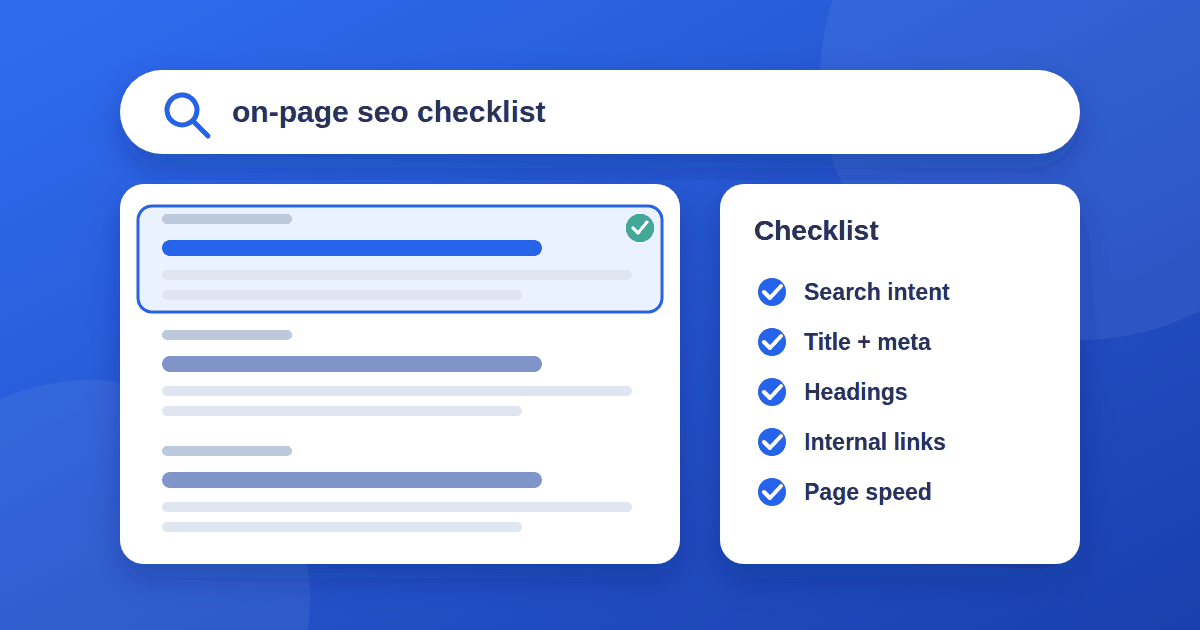
This on-page SEO checklist covers the essentials in the order you would work through them. It is not a list of tricks. It is the groundwork that makes everything else, including links, work better. For Google's own overview, read its SEO Starter Guide.
1. Start with search intent
Before writing, search your target keyword and look at what already ranks. Note the format (guides, lists, product pages, comparisons), the depth, and the angle. That tells you what searchers are trying to accomplish.
If you are choosing what to write about in the first place, start with low-competition keywords. Then decide whether you can add something the existing results do not: a clearer explanation, better examples, original data, first-hand experience, or a more current view. If your article would be a slightly reworded copy of what is already there, it is unlikely to earn a place.
2. Write a title that earns the click
- Put the main topic near the beginning and keep the title readable to a person, not just a crawler.
- Keep it short enough to display fully. Search results cut titles by pixel width rather than a fixed number of characters, but about 50 to 60 characters is a reasonable target.
- Make it accurate. A title that promises more than the page delivers may get clicks, but it also gets people leaving quickly.
- Avoid stuffing keywords. Google may also rewrite a title in search results if it decides another version describes the page better.
3. Write a meta description that helps people decide
The meta description is not a direct ranking factor, but it can influence whether someone clicks. Write one or two sentences, roughly 120 to 160 characters, that summarize what the reader will get. Search engines sometimes replace it with text from the page, so make sure the page itself opens with a clear summary too.
4. Use one H1 and a logical heading structure
Your page should have a single H1 that states the topic. Use H2s for the main sections and H3s for subpoints under them. Headings work like an outline: someone skimming only the headings should understand what the article covers. Include the natural phrases people search for where they fit, and skip forced repetition.
5. Put the answer where readers can find it
If the query is a question, answer it clearly near the top, then explain. Use short paragraphs, lists where the content really is a list, and tables for comparisons. Formatting that makes a page easier to scan is good for readers and easier for search engines to interpret.
6. Add internal links deliberately
Internal links help readers move through your site and help search engines discover and understand your pages.
- Link from your new post to two or three related posts, using descriptive anchor text such as "kanban board setup," not "click here."
- Link back to the new post from older, relevant posts. New pages with no internal links pointing to them are easy to miss. Our guide to internal linking covers how many links to use and where to place them.
- Link to relevant category pages or a main guide on the topic when it makes sense.
7. Link out to sources you actually rely on
Cite the original source for statistics, standards, and claims (see do outbound links help SEO for what links out do and don't do). It makes the article more trustworthy and easier to verify. Link to reputable pages and avoid stuffing an article with outbound links that add nothing.
8. Optimize images
- File size: compress images and use modern formats like WebP or AVIF where your setup supports them.
- Dimensions: set width and height attributes so the layout does not jump while images load.
- Alt text: describe what the image shows in plain language. Alt text is mainly for accessibility, and it also helps search engines understand the image.
- File names: a name like
kanban-board-example.pngis more useful thanIMG_0042.png.
9. Check page experience and speed
Google's Core Web Vitals measure loading (Largest Contentful Paint), responsiveness (Interaction to Next Paint), and layout stability (Cumulative Layout Shift). You do not need a perfect score, but slow, jumpy pages hurt readers first and can hurt rankings second.
Test a real post with PageSpeed Insights, and check it on a phone. Watch for large hero images, heavy scripts, and layout shifts from ads or embeds.
10. Get the technical basics right
- Indexable: make sure the page is not accidentally set to
noindexand is not blocked in robots.txt. - Canonical URL: every page should declare one preferred URL with a canonical tag.
- Clean URL: short, readable, lowercase, with words separated by hyphens.
- Sitemap: the new post should appear in your XML sitemap.
- Mobile-friendly: the page must read well on a small screen, since search engines primarily index the mobile version.
11. Add structured data where it applies
Structured data (schema markup) tells search engines what a page is about. For a blog post, Article markup and BreadcrumbList markup are common choices (see Google's Article structured data guide). Validate it with Google's Rich Results Test. Note that structured data does not guarantee any special display in search results. It helps search engines understand the page.
12. Show real expertise and trust
Google's guidance on creating helpful content discusses E-E-A-T: experience, expertise, authoritativeness, and trustworthiness. It is not a single ranking switch, but it describes what helpful content looks like. In practice:
- Show who wrote the article and why they are qualified to write it.
- Be clear about what you have tested yourself and what you are summarizing.
- Keep articles accurate and update them when things change.
- Have real About, Contact, and Privacy pages.
Your pre-publish SEO checklist
Before you hit publish, confirm each of these:
- The article answers the search intent better or more clearly than what already ranks
- Title is accurate, readable, and leads with the topic
- Meta description summarizes the page in one or two sentences
- One H1, with a clear H2 and H3 structure
- Two or three relevant internal links added, and older posts link back
- Images compressed, with alt text and dimensions set
- Page is indexable, has a canonical tag, and is in the sitemap
- The page loads quickly and looks right on mobile
If you publish regularly, move each post through a simple kanban board (idea, draft, review, published) so nothing skips these steps. Our guide to kanban, to-do lists, and Scrum explains how to set one up.
After you publish
- Submit the URL in Google Search Console with the URL Inspection tool if you want it discovered quickly.
- Check back after a few weeks and look at which queries the page appears for. If nothing shows up at all, read 7 reasons for no impressions in Search Console. You will often find related questions worth adding to the article.
- Refresh the page when facts change, and be honest about what changed.
- Choosing tools to track results? Run them through our checklist for evaluating SaaS tools first.
The takeaway
Good on-page SEO is mostly disciplined basics: match the intent, structure the page clearly, link it into your site, and make it fast and trustworthy. None of it is glamorous, and none of it is optional. Work through this on-page SEO checklist for every new post and you give each page the best chance to compete on its merits.