Teams often pick a workflow because it is popular, not because it fits. A three-person content team ends up running two-week sprints it does not need. A support team tries to plan a month ahead when nothing about their work is predictable.
The three most common options are simple to-do lists, kanban, and Scrum. Each one solves a different problem. Here is how they work, when each one fits, and how to tell which you need.
To-do lists: the simplest thing that works
A to-do list is a set of tasks, usually ordered by priority or due date. That is all it is, and for many people and small teams, that is enough.
It fits when:
- You work alone or with one or two people
- Tasks are mostly independent and small
- You mainly need to remember what to do and in what order
It breaks when several people touch the same work, tasks move through multiple stages, or you cannot tell what is stuck. A list shows what exists, but not where anything is in the process.
Kanban: make the work visible
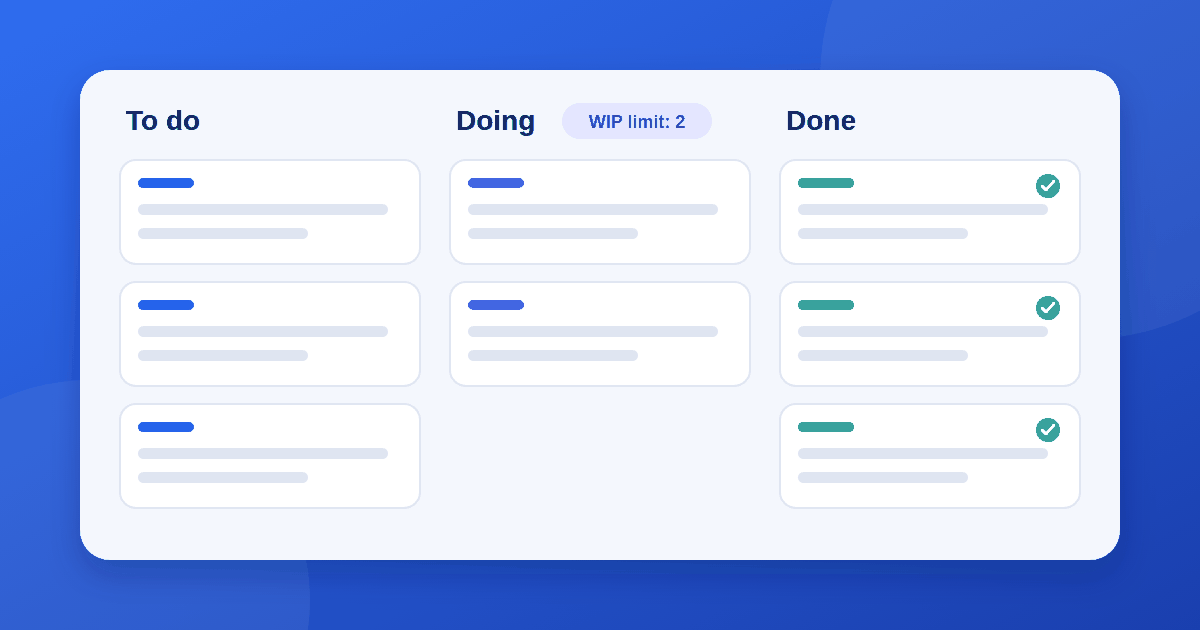
Kanban was borrowed from Toyota's manufacturing system and later adapted for knowledge work. The core idea is a board with columns that represent the stages of your real process, and cards that move from left to right as work progresses.
Two ideas make kanban more than a pretty board:
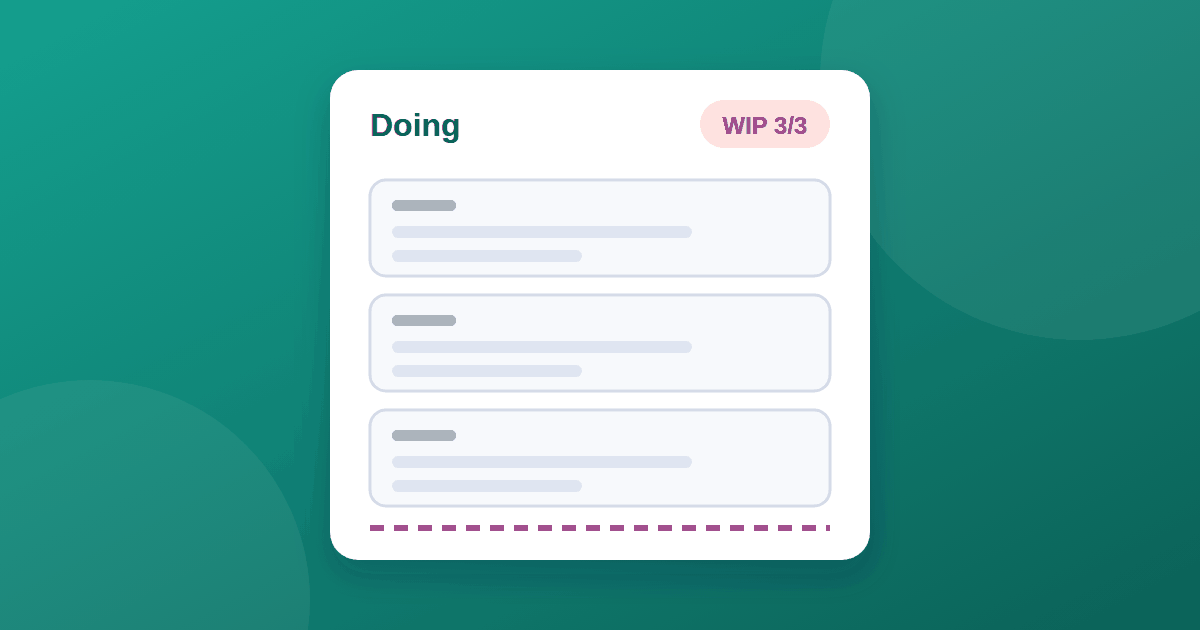
- Limit work in progress (WIP). You cap how many cards can sit in a column at once. Once a column is full, you finish something before you start something new. This is what exposes bottlenecks.
- Pull, don't push. People take the next item when they have capacity, instead of having work assigned in bulk.
It fits when:
- Work arrives continuously and unpredictably, such as support requests, content production, operations, or design requests
- You want to see bottlenecks and stuck items quickly
- Priorities change often and you do not want to lock a plan for weeks
It breaks when a board turns into a dumping ground. Without WIP limits, columns fill up, nothing finishes, and the board becomes a longer to-do list with extra steps.
Scrum: a framework for planned, iterative delivery
Scrum is a defined framework, most common in software teams. Work is organized into fixed-length sprints (the Scrum Guide sets a maximum of one month, and many teams use one or two weeks). Each sprint has a goal, and the team commits to a set of work it expects to finish.
Scrum includes specific roles (Product Owner, Scrum Master, and Developers) and events: sprint planning, the daily scrum, the sprint review, and the retrospective. The regular rhythm is the point: it forces you to plan, deliver something, inspect it, and adjust.
It fits when:
- You are building a product in increments and want regular feedback from stakeholders
- The team is stable and can predict roughly how much it can finish in a sprint
- Priorities can stay mostly fixed for the length of a sprint
It breaks when the work is interrupt-driven. If half of every week is urgent requests, sprint commitments become fiction, and the ceremonies start to feel like overhead.
Side-by-side comparison
| To-do list | Kanban | Scrum | |
|---|---|---|---|
| Best for | Individuals, light workloads | Continuous, variable work | Planned, iterative projects |
| Planning cadence | None | Ongoing | Fixed sprints |
| Roles required | None | None | Defined roles |
| Handles urgent requests | Well | Well | Poorly during a sprint |
| Main risk | No visibility into progress | No WIP limits, so nothing finishes | Ceremony without real planning |
| Setup effort | Minutes | Hours | Days, plus team training |
How to choose in three questions
1. Is your work mostly planned or mostly incoming? Planned work in increments leans toward Scrum. Incoming and unpredictable work leans toward kanban.
2. How many people share the work? One or two people rarely need more than a list. Once several people hand work to each other, you need visibility, which means a board.
3. How much overhead can you afford? Scrum's structure pays off only if the team will actually run the events well. A small team that will not can get most of the benefit from a simple board.
Many teams end up in between. Some use kanban with a weekly planning meeting and a regular review, sometimes called Scrumban. There is nothing wrong with that, as long as you choose each piece for a reason.
Setting up a kanban board that works
For a deeper walkthrough of boards and WIP limits, Atlassian's kanban guide is a good next read. The essentials:
- Match columns to your real process. Start with To do, Doing, and Done. Add a column only when work genuinely waits in that state, such as "In review."
- Set a WIP limit. A common starting point is roughly the number of people doing the work, then adjust up or down. See our guide to setting WIP limits on a kanban board for the full method.
- Define "done." Write down what must be true before a card moves to the last column.
- Review the oldest cards. Anything that has sat in one column for weeks is either blocked or no longer important. Decide which.
- Add a quality gate. For a content team, add a "Ready to publish" column and run each post through an on-page SEO checklist before it moves to Done.
- Keep cards small. If a card takes more than a few days, split it.
Common mistakes
- Adopting Scrum because it is the standard. If your work is not planned in increments, you will struggle with sprints.
- Too many columns. Ten columns for a five-step process just creates handoffs.
- Skipping retrospectives. With any workflow, the habit of reviewing what is not working is what makes it improve.
- Changing workflows every month. Give a new process at least a few cycles before you judge it.
The takeaway
Pick the lightest workflow that gives your team the visibility it needs. A list is enough for individual work. Kanban is the default choice when work is continuous and unpredictable. Scrum earns its overhead when you are building something in planned increments with a stable team. If you are unsure, start with a simple board and a WIP limit, and add structure only when a real problem calls for it. Once you have picked a workflow, the next decision is software: our 10-check guide to evaluating SaaS tools helps you choose one without regret.