Most SaaS regret has the same cause. You signed up for the tool because the demo looked good, then found out three months later that the price jumped at renewal, your data was hard to export, or the one integration you needed only worked one way.
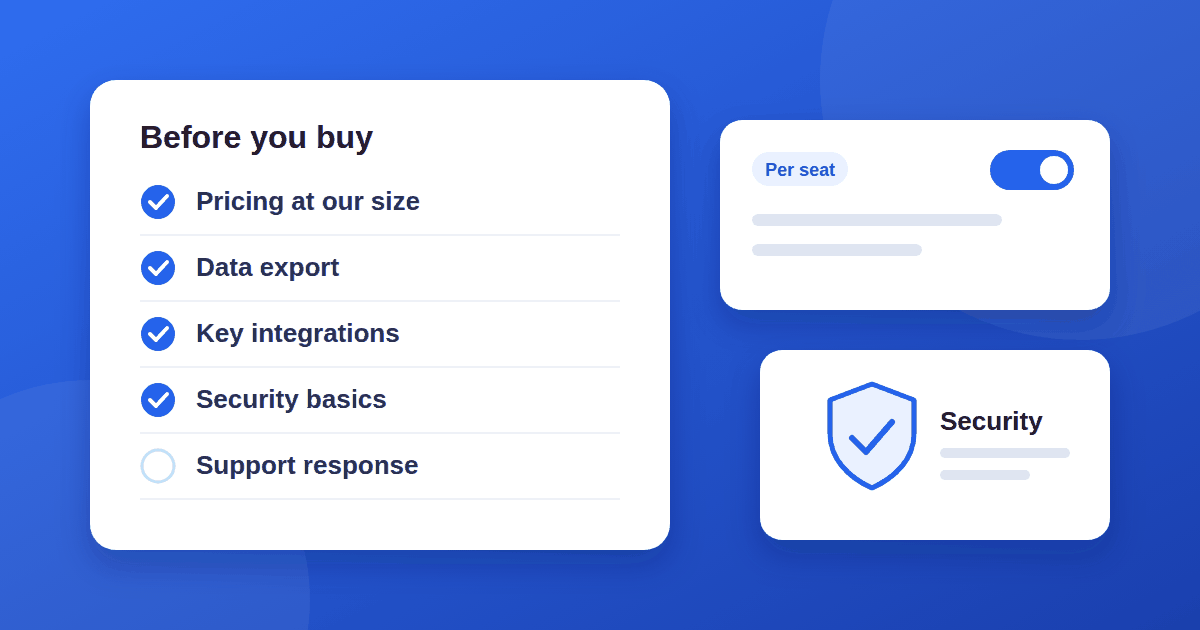
Almost all of that can be checked in an afternoon, before you enter a card number. This checklist for evaluating a SaaS tool works for any category: project management, email, analytics, CRM, or design tools. Use it whether you are choosing for yourself or for a team.
1. Write down the job before you look at features
Start with one sentence: "We need a tool that lets us ___ so that ___." Then list three to five must-haves and a few nice-to-haves.
This stops feature lists from making the decision for you. A SaaS tool with 200 features and a clumsy version of the one thing you need is a worse buy than a smaller tool that does that one thing well.
2. Read the SaaS pricing page for how it scales, not just the starting price
The headline price is rarely what you will pay in a year. Look for:
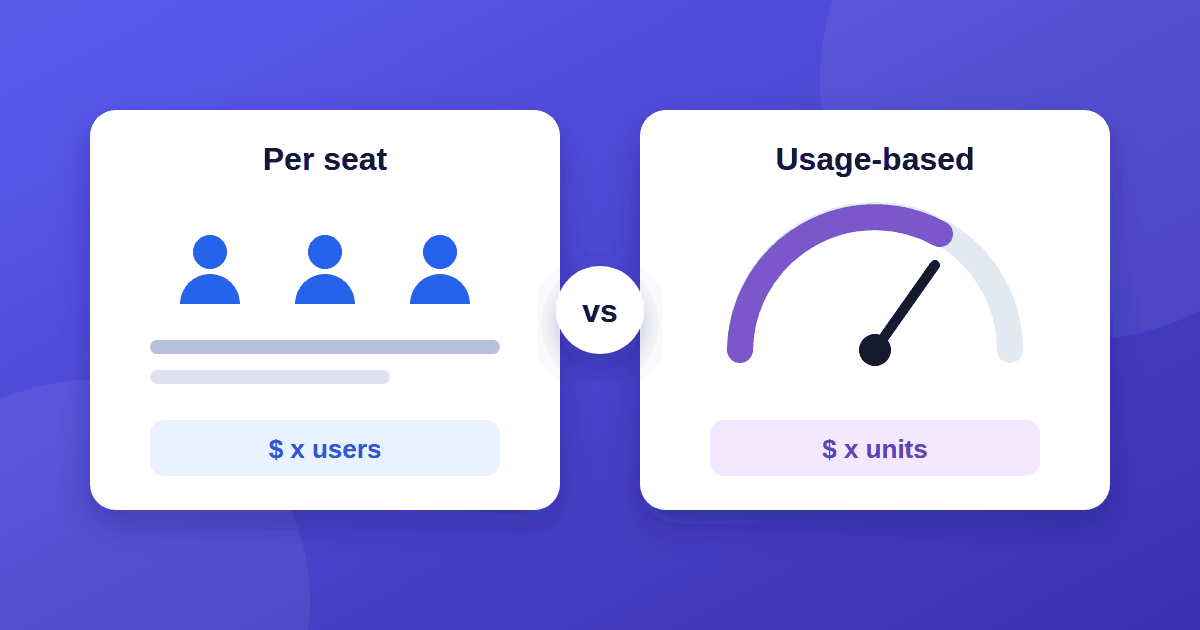
- The pricing unit. Per user, per contact, per project, per usage, or flat? Our guide to per-seat vs usage-based pricing explains how each can cost you more. Work out what your cost looks like if your team or list doubles.
- What is locked behind higher tiers. Features like SSO, audit logs, advanced permissions, and API access are commonly reserved for expensive plans.
- Annual versus monthly. Annual billing is often cheaper, but you are committed for the year.
- Renewal terms. Check whether the renewal price can differ from the sign-up price.
- Overage rules. What happens when you pass a limit: a hard stop, an automatic upgrade, or a surprise charge?
3. Test it with your real work
Demo data hides problems. During the trial, import a real (or realistic) slice of your own data and run one real workflow from start to finish.
For example, before paying for a keyword or backlink tool, try the free backlink options first so you know what data you actually need. Pay attention to the small stuff you will do fifty times a week. How many clicks does the common task take? Is search fast? Does it work well on your phone if your team uses one? A tool that feels slow on day one will feel worse on day ninety.
4. Check data export and lock-in
Before you put your data in, find out how to get it out. Look for:
- Export options in open formats such as CSV, JSON, or standard file types
- Whether exports include everything (attachments, comments, history) or only a summary
- A documented API if you may need to move data programmatically
- What happens to your data after you cancel, and for how long you can still download it
If you cannot find any of this in the documentation, ask support before you buy and see how they answer.
5. Look closely at integrations
"Integrates with" can mean very different things. Check whether an integration is native or depends on a third-party connector, whether it syncs one way or both ways, and which fields it actually moves. If a specific integration is essential to your workflow, test it during the trial instead of trusting the logo on the marketing page. Evaluating an SEO or website tool? Our on-page SEO checklist shows what such a tool should help you cover.
6. Ask the security questions
You do not need to be a security expert to check the basics:
- Two-factor authentication and, for teams, single sign-on
- Role-based permissions, so not everyone can see or delete everything
- Whether the vendor can share an independent audit report, such as SOC 2 or ISO 27001, if your work requires it
- Where data is stored and how the vendor handles data processing agreements if you handle customer data
If a vendor claims a certification, it is reasonable to ask for the report or certificate. Reputable vendors expect the question.
7. Test support before you need it
Send a real question during the trial and time the reply. Note whether the answer was helpful or a canned link. Also check the help center: are articles current, and do they match the product you see on screen?
8. Check reliability and how the product is maintained
Look for a public status page and scan its incident history. Look for a changelog or release notes and see how often the product actually ships improvements. A product that has not visibly changed in a year may be stable, or it may be neglected. The changelog and support responses together will usually tell you which.
9. Understand the company behind it
You are not just buying features, you are betting on the company being around and responsive. Look at how long the product has existed, how open the vendor is about roadmap and pricing changes, and what independent customers say in reviews. Treat any single review site with some caution, since ratings can be skewed by incentives and small samples.
10. Plan your exit and read the contract terms
Before you sign, know how to leave. Check the cancellation process (self-serve or "talk to sales"), the notice period, whether contracts auto-renew, and whether the vendor can raise prices mid-term. For team purchases, note who owns the account and who can cancel it.
A simple SaaS scoring sheet
If you are comparing two or three tools, score each from 1 to 5 on the categories that matter to you and weight the ones that are most important.
| Category | Weight | Tool A | Tool B |
|---|---|---|---|
| Fits our core job | High | ||
| Price at our expected size | High | ||
| Data export and lock-in | Medium | ||
| Key integrations | Medium | ||
| Security basics | Medium | ||
| Support quality | Medium | ||
| Ease of daily use | High |
Multiply each score by its weight, add it up, and then look at the result with a critical eye. If the numbers pick a winner you do not feel good about, that is worth investigating. It usually means a criterion is missing from the sheet.
Red flags worth pausing on
- Pricing that is hidden entirely behind a sales call, with no public ranges
- No clear way to export your data
- A trial that requires a card and makes cancelling hard
- Support that only responds after you pay
- Vague answers to specific security questions
The takeaway
A good SaaS purchase is mostly about doing the boring checks: how pricing scales, how you get your data out, and how the vendor treats you before you are a customer. Spend one focused afternoon on the ten points above and you avoid most of the regret that shows up in month three. If the tool you are choosing manages team work, decide on a workflow first with our comparison of kanban, to-do lists, and Scrum.