Want to know who links to your site without paying for a tool? You can check your backlinks for free with a few tools you may already have access to. This guide shows the best free options, their limits, and what to look for once you have the data.
What a backlink report tells you
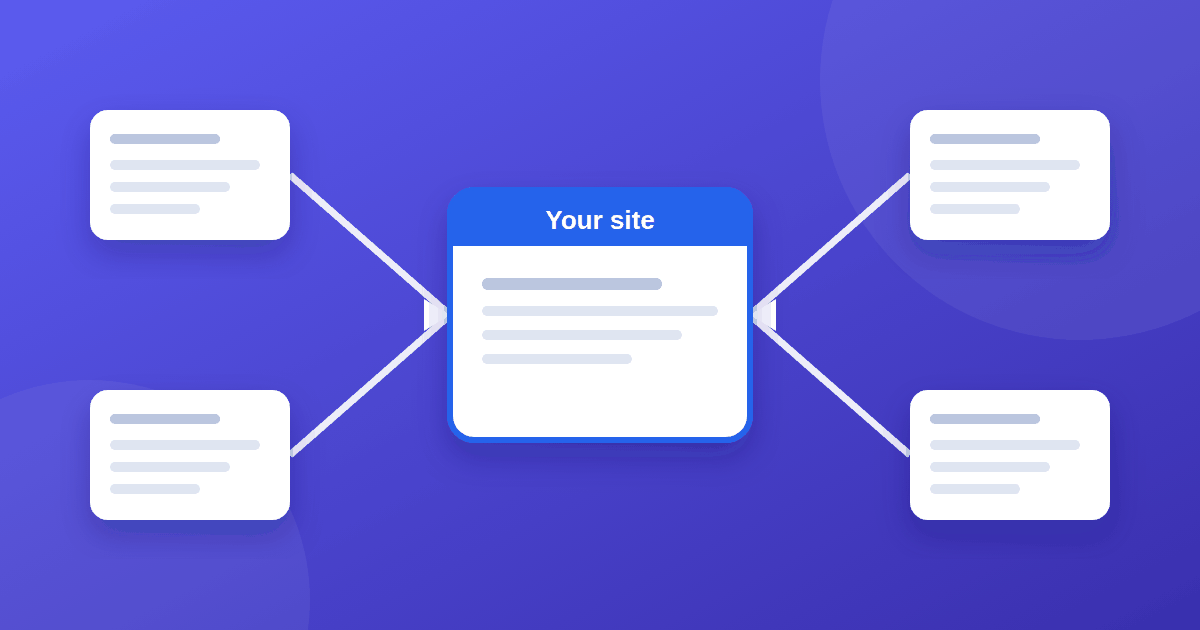
A backlink is a link to your site from another website. A useful report shows:
- Referring domains: how many different websites link to you (more informative than total link count)
- Linking pages: the exact pages that contain the links
- Anchor text: the words used in the link
- Target pages: which of your pages are being linked to
- New and lost links: how your profile changes over time
Method 1: Google Search Console
Search Console is free and uses Google's own data. Open Links in the left menu. The report shows:
- Top linked pages (your pages with the most external links)
- Top linking sites
- Top linking text
- Your internal links too
You can click into a site to see which of your pages it links to, and export the data. The limits are that it offers no quality metrics, and it shows what Google reports rather than a full index of the web.
Method 2: Bing Webmaster Tools
Bing Webmaster Tools is also free and has a backlinks report, found under the SEO section of the menu. It lists referring domains and pages and the anchor text used. Verify your site, or import it from Search Console, and compare what Bing sees with what Google shows. Different tools find different links, so using more than one gives a fuller picture. You can sign up at Bing Webmaster Tools.
Method 3: Ahrefs tools
- Ahrefs Webmaster Tools is free for sites you verify as your own. It includes a backlinks report and a site audit.
- The free backlink checker lets you look at any site, but shows only a limited sample of its top backlinks.
Semrush also offers limited free lookups, though most of its backlink data sits behind a paid plan.
What to look for
- Referring domains, not just link counts. Fifty links from one site are worth less than ten links from ten relevant sites.
- Relevance. Links from sites in your topic area matter more than random ones.
- Anchor text. Natural variety is normal. It should describe the page, not repeat one keyword every time.
- Which pages get links. Your best content usually attracts them.
- Lost links. A sudden drop can mean a page was removed or changed.
- Nofollow, sponsored, and ugc links. These are still useful for traffic and awareness. See do outbound links help SEO for how these attributes work.
A few low-quality links are normal on almost any site and are no reason to panic.
If your report is nearly empty
That is expected for a new site. It also helps explain a lack of visibility in Search Console. Earn links by publishing genuinely useful, specific content, being cited by others in your field, and building real relationships. Buying links that pass ranking signals is against Google's spam policies, so a paid or sponsored placement should be marked rel="sponsored".
A simple monthly routine
- Export the Search Console Links report each month.
- Note new referring domains and any lost ones.
- Add one or two internal links to pages that are getting external links. See internal linking.
- Check whether new links helped pages get indexed faster.
Choosing a paid tool later
If you outgrow the free options, evaluate paid backlink tools with our 10-check guide to evaluating SaaS tools before you commit.
Frequently asked questions
Why does Search Console show fewer links than paid tools? Different tools crawl the web differently, and Search Console reports links Google knows about, often as a sample. No single tool shows every link.
Are nofollow links worthless? No. They can still send visitors and build awareness, and Google treats link attributes as hints.
Should I disavow low-quality links? Most sites never need to. Google describes the disavow tool as an advanced feature for cases involving a large number of spammy or artificial links that have caused, or are likely to cause, a manual action.
How long until a new link appears in reports? It varies from days to weeks, depending on how often the linking page is crawled and how each tool updates.
The takeaway
You do not need a paid tool to see who links to you. Start with the Search Console Links report, add Bing Webmaster Tools and Ahrefs Webmaster Tools, and compare. Focus on referring domains, relevance, and trends, not on a single number.