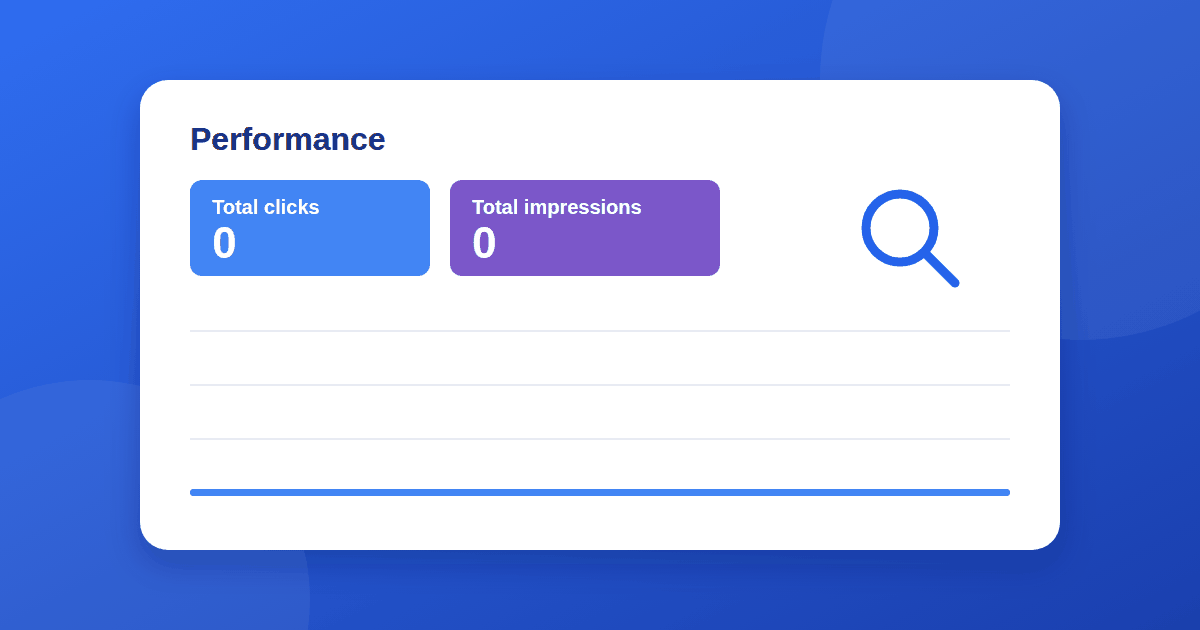
If your new website has no impressions in Google Search Console, zero across every report, you are in good company, and it rarely means something is broken. An impression is counted each time one of your pages appears in Google's search results, so zero simply means Google has not shown your pages to anyone yet.
The useful question is why. Below are seven common reasons, in the order worth checking them. Most new sites have more than one.
1. You are looking at the wrong Search Console property
Search Console treats http://, https://, www and non-www versions of a site as separate URL-prefix properties. Google's own traffic-troubleshooting guide lists a mismatched property among the most common reasons traffic seems to be missing. Read Google's debugging guide if you want the details.
Check that the property in the top-left dropdown matches your live address exactly, for example https://rankyard.co/. A Domain property covers every version at once.
2. Google has not crawled your pages yet
A new site with few links can take a while to be discovered. Paste one of your URLs into the inspection bar at the top of Search Console. If it says "URL is not on Google", Google has not indexed it yet.
Submit your sitemap and request indexing for your most important pages. If the sitemap shows an error, see our guide to the sitemap "Couldn't fetch" status. For realistic timing, read how long Google takes to index a new website.
3. Your pages are blocked or set to noindex
Leftovers from development are a classic cause. Google's Search Essentials describe the technical basics a page must meet to be eligible. Look for:
- A
Disallow: /line inyourdomain.com/robots.txt - A
noindexmeta tag orX-Robots-Tagheader on the page - A CMS setting such as "discourage search engines from indexing this site"
- A password-protected or staging copy of the site
The URL Inspection tool reports whether indexing is allowed for each page.
4. Pages are discovered but not indexed
In the Pages report you may see "Discovered – currently not indexed" or "Crawled – currently not indexed". The first means Google knows the URL but has not fetched it. The second means it fetched the page and chose not to add it yet.
On new sites this often reflects thin pages, duplicate content, or limited crawl demand. Strengthen the pages, link to them from your best pages, and wait. Our on-page SEO checklist covers what a page should have before you publish.
5. Pages are indexed but rank too low to be seen
Indexed does not mean ranking well. A page can sit deep in the results for its query, where almost nobody looks, and register few or no impressions. Open Performance, then Queries, to see whether any query has appeared at all. Search the exact title of your page to see roughly where it sits.
6. Your topics are too competitive for a new domain
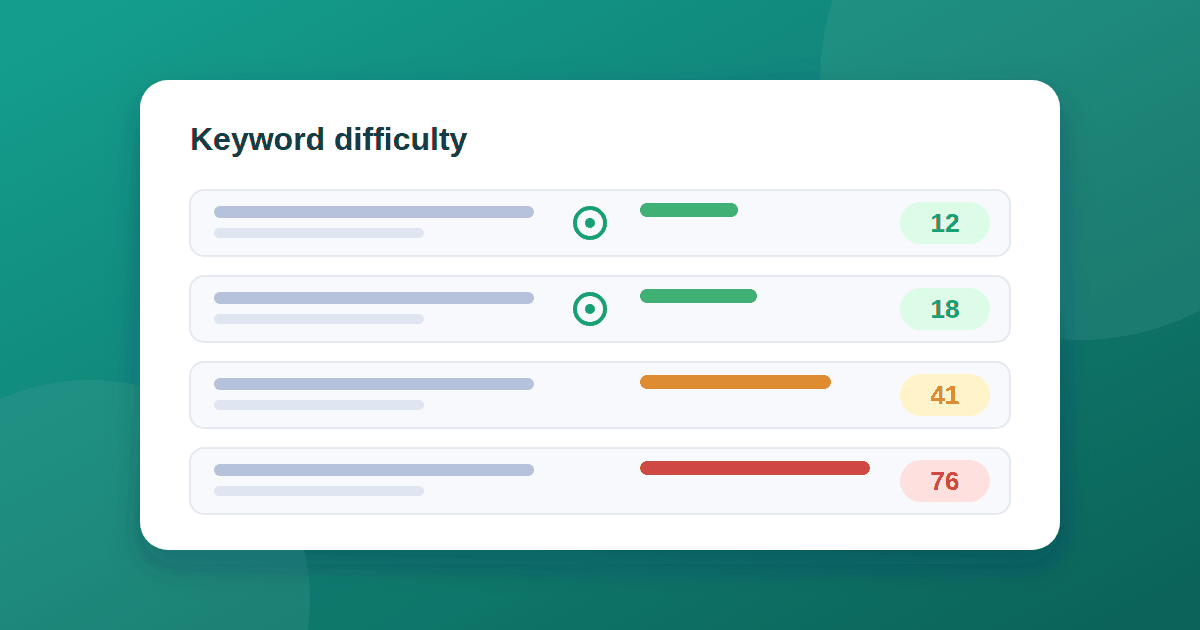
Broad phrases such as "SEO" or "project management" are dominated by established sites with years of links. A new domain almost never breaks in there. Long, specific queries are more winnable. We explain how to pick them in how to find low-competition keywords.
7. Nobody links to you, and your pages barely link to each other
Links are how Google discovers and trusts new sites. Internal links show crawlers your structure, and external links show that others find you useful. Read our guide to internal linking, and check your current links with free backlink tools.
A note on the data
Search Console is not real time, so the 24-hour view can look empty even when things are fine. Use the 28-day view to judge progress. Google has also acknowledged a logging error in impression reporting, covered in what the Search Console impressions logging error means, so treat very small numbers with caution.
Your first-week checklist
- Confirm the property matches your live URL.
- Submit a sitemap and confirm it is read.
- Request indexing for your homepage and a few key pages.
- Check robots.txt and page source for
noindex. - Open the Pages report and note any "not indexed" reasons.
- Add internal links between related posts.
- Publish articles aimed at specific questions, not broad topics.
- Review the 28-day Performance report weekly, not daily.
Frequently asked questions
How long until a new site gets its first impressions? There is no fixed answer. Some pages appear for obscure queries within days, while others take weeks. It depends on when Google indexes the pages and how competitive the queries are.
Do I need a sitemap to get impressions? No, but it helps Google discover pages. Links from your own pages and from other sites matter just as much.
Are impressions the same as traffic? No. An impression means your result was shown. A click is a visit. A page can easily have impressions and no clicks.
Should I keep requesting indexing every day? No. Request indexing for important pages once, fix any problems, and then wait. Repeating the request does not speed things up.
The takeaway
Zero impressions on a new site usually means one of three things: Google has not found the pages, has not chosen to index them, or the pages rank too low to be shown. Work through the list above in order, fix what is fixable, and give indexing a few weeks. If pages are indexed and still get nothing, the answer is almost always more specific topics and more links.