Do outbound links help SEO? Short answer: not directly. Google has never confirmed that linking to other sites boosts your rankings, and Google's John Mueller has called the idea a long-running myth, as Semrush reports. But that is only half the story, because outbound links still serve readers, and readers are what good SEO is built around.
What an outbound link is
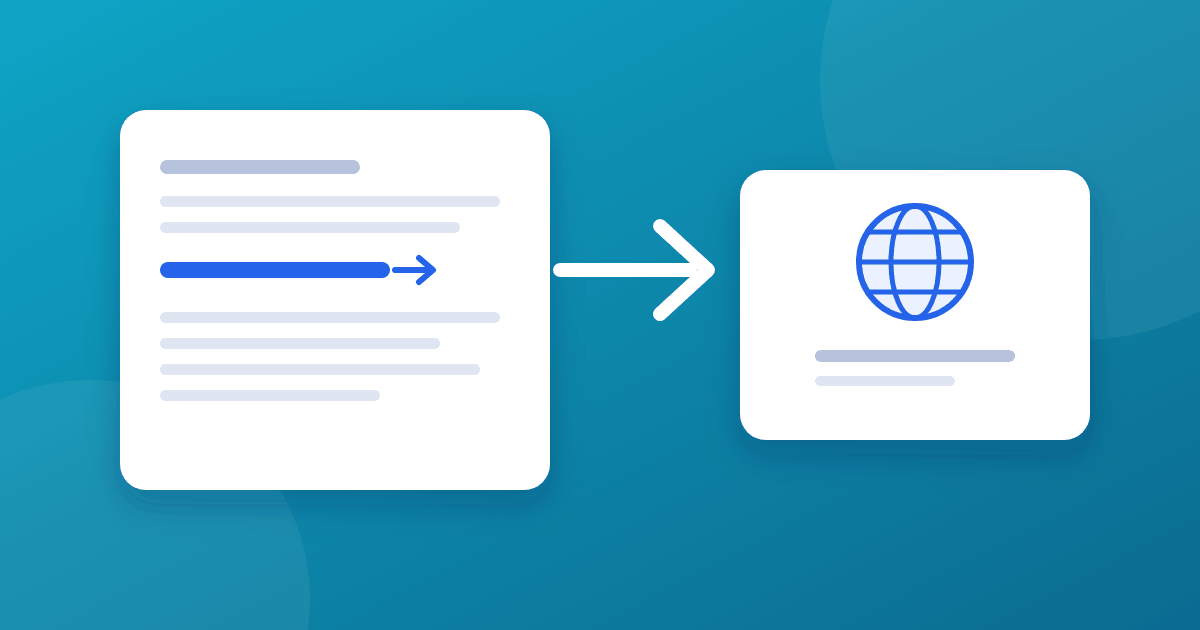
An outbound (or external) link goes from your page to a different website. Do not confuse it with an internal link, which points to another page on your own site, or a backlink, which points to you from someone else's site.
Why use outbound links anyway
- Verification. Readers can check your claims at the original source.
- Credibility. Citing primary sources shows your article is researched, not guesswork.
- Depth. You can send readers to a tool, standard, or reference that does not belong in your post.
- Context. Linking to relevant sources helps readers, and may help search engines understand the topic, even if it is not a ranking lever.
The purpose should be helping the reader, not chasing a ranking trick.
How to link out well
- Link to primary sources. Prefer the official documentation, the original study, or the standard itself over a summary of it.
- Point to the exact page. Do not send readers to a homepage when a specific page answers the question.
- Use descriptive anchor text. "Google's guidance on outbound links" beats "click here".
- Be selective. A handful of strong links beats a wall of them.
- Check them regularly. Broken outbound links reflect badly on the page.
rel attributes: nofollow, sponsored, and ugc
Most editorial links need no extra markup. For some links, Google asks you to describe the relationship using a rel value, as explained in its guidance on qualifying outbound links:
rel="sponsored"for advertisements and paid placementsrel="ugc"for links in user-generated content such as comments and forum postsrel="nofollow"when the other values do not apply and you would rather not have Google associate your site with the page
Google treats these as hints. Pages linked this way may still be found by other means.
Paid links and Google's spam policies
Google's spam policies treat buying or selling links that pass ranking signals as link spam. If a link is part of an advertisement, sponsorship, or affiliate arrangement, mark it with rel="sponsored". The same applies if you accept guest posts or sponsored articles that include links.
What to avoid
- Linking to spammy, irrelevant, or low-quality sites
- Large-scale link exchanges arranged only to swap links
- Linking to sources you have not read
- Stuffing links into thin content
- Leaving outdated links pointing to pages that no longer exist
How this site does it
The articles here link to official documentation, standards, and reputable references for each claim that needs one. Each link is there so a reader can verify the point or go deeper. For example, our on-page SEO checklist links to Google's own guidance on titles and page experience rather than paraphrasing it from memory.
Balance with internal links
A page that links only outward gives readers no next step on your own site. Use both: outbound links to support claims, and internal links to keep readers moving through related content. Links pointing to your site matter too, and you can see them with free backlink tools.
Frequently asked questions
How many outbound links should a post have? There is no official number. A few strong, relevant links per 1,000 words is a sensible starting point. Add one only when it helps the reader.
Should outbound links open in a new tab? Either is fine, and Google does not describe it as an SEO factor. A new tab keeps readers on your page, while the same tab is simpler for accessibility and back-button use.
Do affiliate links need rel="sponsored"? Google asks you to mark paid and sponsored placements. Affiliate links are generally treated the same way, so marking them is the safe choice.
Can outbound links hurt my SEO? Normal editorial links to reputable, relevant sources do not. Linking to spammy or unrelated sites, or arranging links purely as exchanges, can undermine trust.
The takeaway
Outbound links will not lift a page's rankings on their own. Use them because they make your article more accurate, verifiable, and useful. Link to primary sources, keep the number sensible, and qualify paid, sponsored, and user-generated links with the right rel value.