A kanban board without limits is just a colorful to-do list. Learning how to set WIP limits on a kanban board is what turns it into a system that helps work finish. WIP stands for work in progress: the maximum number of items allowed in a column at one time. This guide explains how to choose your numbers and keep them useful.
If you are new to boards, start with our comparison of kanban, to-do lists, and Scrum.
Why WIP limits matter
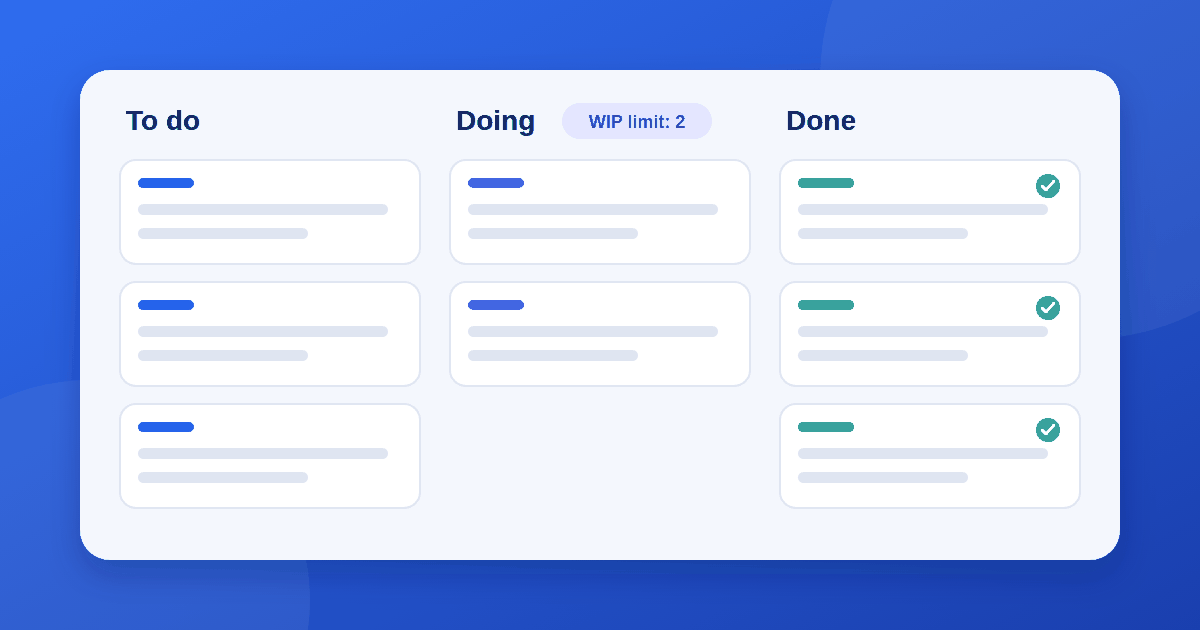
Without limits, people start new tasks before finishing old ones. Work sits half done, people switch between tasks, and nothing ships. A limit forces a useful question when a column is full: "What can I help finish?" instead of "What can I start?"
Limits also expose bottlenecks. If the Review column is always full, your problem is review capacity, not the number of tasks.
Step 1: Map your real workflow
Start with the columns that match how work actually moves, such as To do, Doing, Review, and Done. Add a column only when work genuinely waits in that state. Limits mean little on a board that does not reflect reality.
Step 2: Choose a starting number
There is no perfect formula, but these starting points are sensible:
- In-progress columns: about one item per person doing that work. A team of four might start with a limit of four in Doing.
- Review or waiting columns: one or two items per reviewer.
- Queue columns (To do): slightly higher, so people never wait for work.
- Done: no limit.
Many teams set the limit a little below their maximum capacity to leave room for surprises. Miro's guide to WIP limits describes the same approach.
Step 3: Let the team decide
Limits work best when the people doing the work choose them. They know their capacity and the complexity of their tasks, so they are more likely to respect the number. Managers can help by asking questions and removing obstacles, not by dictating numbers.
Step 4: Decide what happens at the limit
Agree a simple rule in advance:
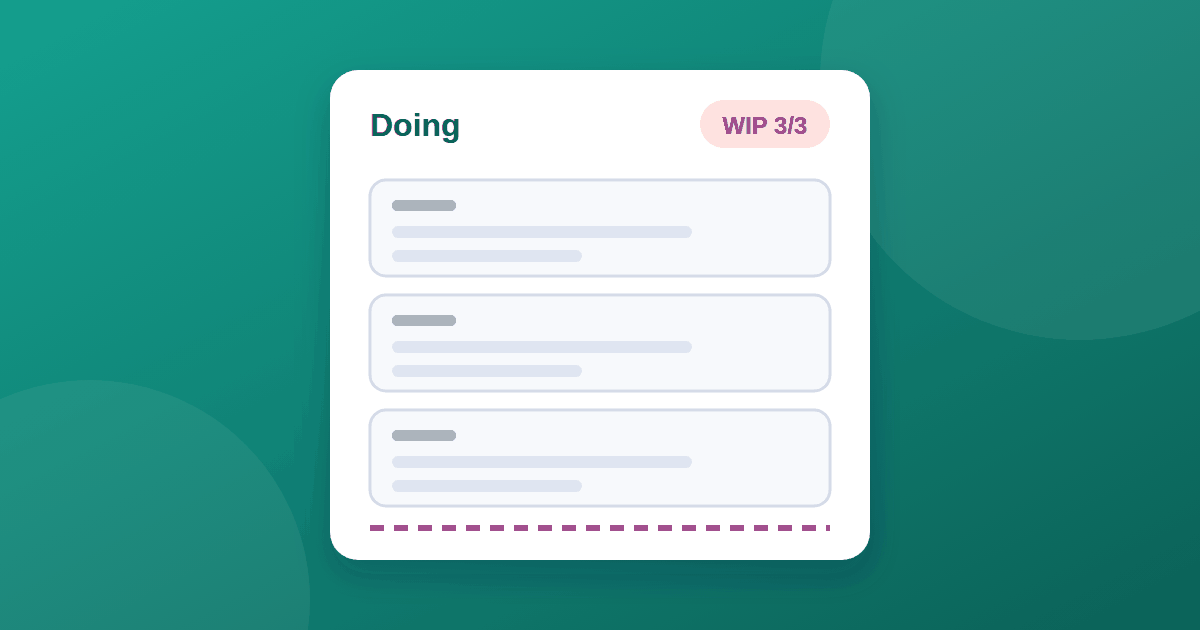
- When a column is full, no one pulls a new card into it.
- People help move existing cards forward instead.
- If an urgent item must jump the queue, agree how it is handled, for example a single "expedite" slot.
Step 5: Review after two to four weeks
Look at the board and adjust:
| Sign | Likely problem | Response |
|---|---|---|
| People are often idle | Limit too low | Raise it by one |
| Cards sit for days in a column | Limit too high, or a bottleneck | Lower it or fix the bottleneck |
| Limits are constantly broken | Rule not agreed or unrealistic | Revisit as a team |
| One column is always full | Bottleneck in that stage | Add capacity or simplify the step |
DORA's page on WIP limits recommends sticking with limits even when they cause waiting, and improving the process rather than raising the number.
Column limits or per-person limits?
- Column limits are simple to see and manage. Most teams start here.
- Per-person limits cap how many items each individual can hold. They help when a few people take on too much, but they take more effort to maintain.
Start with column limits and add per-person limits only if needed.
Common mistakes
- Setting limits and then ignoring them
- Counting only visible tasks and ignoring hidden work
- Making the limit so low that people sit idle
- Changing the number every week
- Setting the number from above without asking the team
Choosing a tool
Most board tools let you set column limits. Before paying for one, run it through our 10-check guide to evaluating SaaS tools.
The takeaway
Start with one item per person in your in-progress column, let the team agree the numbers, decide what happens at the limit, and review after a few weeks. The goal is not a perfect number but a board that helps you finish work before starting more.