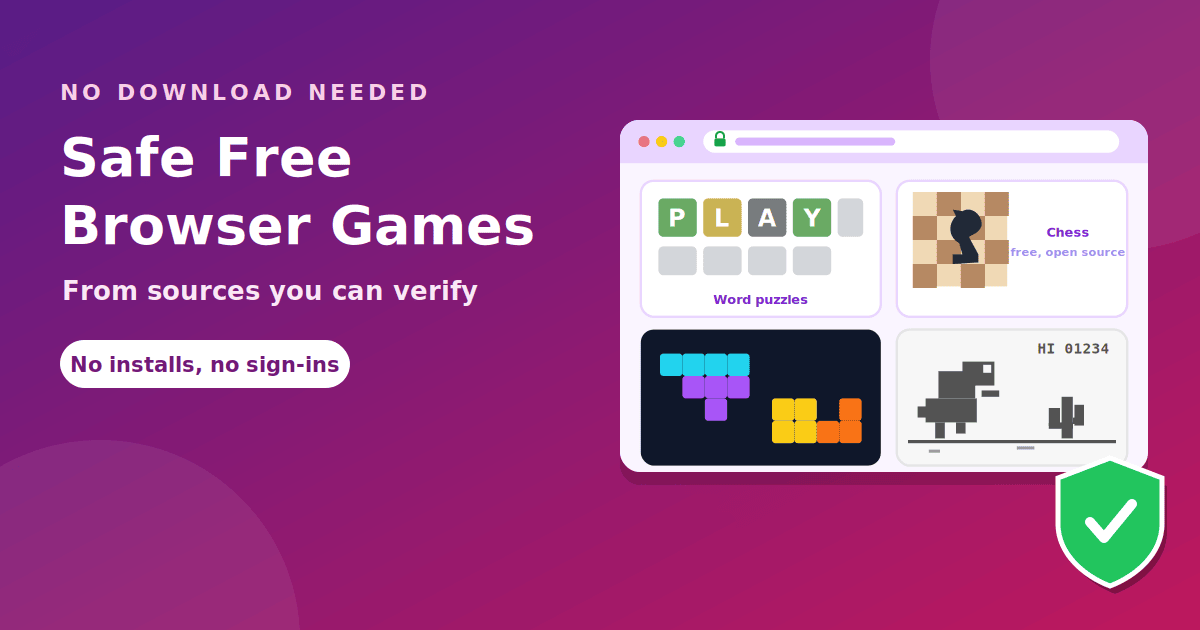
The safest free browser games are the ones made or run by organizations you can name and verify: a newspaper's games section, a non-profit chess site, Google's own games, and the official version of a famous puzzle. They need no download, no account and no extension. This list covers a handful of them, explains why each is a reasonable choice, and gives you a quick way to judge any game site that is not on it. Everything here is meant for your own device or for times when games are allowed on the network you are using.
What "no download" really means
A browser game runs inside a web page using standard web technologies (mainly HTML5 and JavaScript), so nothing needs to be installed. That is good for convenience and for safety: if a game asks you to install a program, an extension or a "player update", something is wrong. Older games built on Adobe Flash no longer run in current browsers, so lists of old titles often contain games that simply do not load.
Quick picks
| Game | Type | Where it comes from | Account needed? |
|---|---|---|---|
| Wordle | Daily word puzzle | The New York Times | No |
| Connections, Spelling Bee | Word puzzles | The New York Times | No for basic play |
| Chess on Lichess | Chess against people or a bot | Lichess.org (free and open source) | Optional |
| Chrome Dino | Endless runner | Built into Google Chrome | No |
| Google Doodle games | Mixed arcade games | No | |
| Tetris | Falling blocks | The official Tetris site | No |
Word and puzzle games
Wordle. You guess a hidden five-letter word in six tries. According to Insider Gaming, Wordle can only be played on the New York Times website and there is no official app to download, which is a handy test: any site that tells you to download "the Wordle app" is not offering the real game.
Connections and Spelling Bee. Both are word games from the same New York Times games section. Wikipedia's list of browser games records Connections as a 2023 word game and Spelling Bee as a 2018 one. Some features may need a subscription, but you can try the basic daily puzzles without installing anything.
Chess and strategy
Lichess. Lichess is a free, open-source chess site. You can play real opponents or a computer, solve puzzles, and learn from analysis tools, and there is no need to pay to use the core features. Because the site is open source, its code can be inspected by anyone, which is a rare point in its favor among game sites.
Other chess sites offer free play too, though some push you to sign up after a few games.
Arcade classics
Google Doodle games. Google has released playable doodles over the years, including the 2010 Pac-Man doodle and the 2021 Doodle Champion Island Games, both listed in Wikipedia's browser games list. Many remain playable from the Google Doodles archive.
Tetris. The official Tetris site offers a free browser version. Use the official site rather than the many copies, which may be loaded with ads.
Chrome's built-in dino game
If you use Google Chrome, you already have a game. Wikipedia's Dinosaur Game entry describes it as an endless runner released by Google in 2014. It normally appears when Chrome cannot connect to the internet, but you can also open it directly:
- Open a new tab in Google Chrome.
- Type chrome://dino into the address bar and press Enter.
- Press the spacebar (or the up arrow) to start, and use it to jump over cacti.
Type it into the address bar, not into the search box. If you use the search box, you will get a page of third-party sites instead of the real game. An administrator can disable the game on managed devices, in which case you will see an error message.
How to judge any other game site
- Who runs it? A named company or organization is better than an anonymous page.
- Check the address. Make sure it is the real domain and not a look-alike.
- Use Safe Browsing. Google's site status tool flags domains with known malware or phishing.
- Watch the asks. Installs, extensions, notifications and sign-ins are warning signs. The FTC lists fake security warnings and bogus software ads as common ways malware spreads.
- Look at the ads. Large buttons outside the game window and constant redirects mean a low-quality site.
Our longer guide to whether unblocked games are safe goes through the same checks in more detail, and our guide to evaluating a software tool applies them more widely.
Why these are safer than hub sites
A game from a known organization is not automatically perfect, but it comes with things an anonymous hub does not have:
- Accountability. A company or non-profit has a name, a reputation and legal obligations. If something goes wrong, there is someone to contact.
- A clear business model. Newspapers sell subscriptions, non-profits take donations, and Google runs doodles as part of its brand. None of them needs to trick you into clicking a fake button.
- Stable addresses. The address you use today will work next month, so there is no need to hunt for a new mirror whenever a site disappears.
- Fewer surprises. There are no forced downloads, pop-up scares or notification traps.
That is the main reason to prefer these over unknown hubs. A game you can trust takes a few seconds longer to find, and it saves you the cleanup.
At school or at work
A filter or policy may stop these sites even though they are safe. Safe does not mean allowed. Check your acceptable use rules before you play, and if an educational game is blocked, ask a teacher or the IT team to review it. We explain why in our guide to why games get blocked at school.
Frequently asked questions
What are the best free games with no download? Wordle, Lichess chess, Tetris on the official site, Google Doodle games and Chrome's dino game are well-known, verifiable options.
Are free browser games safe? Games from known organizations are generally low-risk. Unknown hub sites vary a lot, so check them first.
Do I need an account? Not for the basic versions of the games above.
How do I open the Chrome dino game? Type chrome://dino in Chrome's address bar and press the spacebar.
Why did an old browser game stop working? Many used Flash, which current browsers no longer run.
Are these the same as unblocked games? They are ordinary browser games. Whether they load depends on your network. See Unbanned vs Unblocked Games for the terminology.
The takeaway
Pick free browser games from sources you can verify: the New York Times for word puzzles, Lichess for chess, the official Tetris site, Google's doodles, and Chrome's own dino game. Never install anything to play, and use Safe Browsing on any other site. Play where it is allowed, and ask for a review if something useful is blocked.