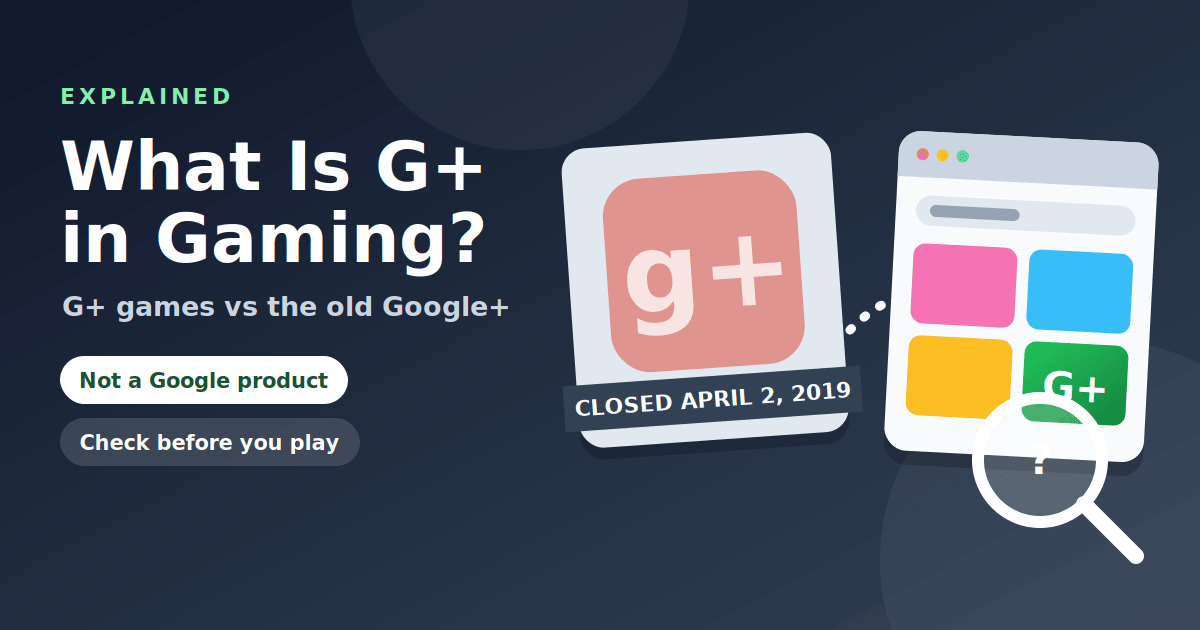
"G+" in gaming searches usually refers to a game hub site, not to anything made by Google. There is no single official "G+" product. The label is shorthand that site owners and players use to find a particular style of site: a page that lists many small browser games. It has no connection to the old Google+ social network, which shut down in 2019. This guide explains where the confusion comes from, what "G+ games" usually refers to, and how to check any G+ site before you use it.
The quick answer
| Question | Answer |
|---|---|
| Is G+ an official game platform? | No. There is no single official G+ product. |
| Is it made by Google? | Not as far as any public information shows. Treat a Google link as a red flag unless you can verify it. |
| Is it the same as Google+? | No. Google+ was a social network that closed to consumers on April 2, 2019. |
| Is it safe? | It depends entirely on the individual site. |
What Google+ was
Google+ (also written G+ or g+) was a social network run by Google. Wikipedia notes that it launched on June 28, 2011, and that the consumer version shut down on April 2, 2019, after low usage and software flaws that could have exposed users' data. Google's own shutdown FAQ confirms the date and says the content from consumer accounts was deleted. It also states that other Google products such as Gmail and YouTube were not affected.
The reason this matters here is simple. "G+" was a well-known name, so anyone looking for something called "G+" today may be mixing the old network with unrelated sites that borrowed the label.
What G+ means on game sites
On game sites, "G+" is a naming choice. It usually suggests "games plus", "Google plus" or simply a short, easy-to-type tag. Sites that use it typically offer a library of small browser games, a search box and categories, and they are often searched for as "unblocked games G+". Our main guide to Unblocked Games G+ covers what players mean by the term and the safe way to approach these sites.
Because anyone can use the label, two G+ sites may have different owners, different advertising partners and different quality. The name tells you almost nothing.
Is a G+ game site made by Google?
There is no sign that a G+ game hub is a Google product. Google does run some games and puzzles, but those appear on Google's own pages and in the Google Play store, not on unknown hub sites. If a site uses Google logos or colors to imply it is official, that is a reason to be more careful, not less.
How to check a G+ site
- Read the full address. The domain is the part right before the first single slash. Look for look-alike spellings.
- Run it through Safe Browsing. Google's site status tool shows whether the domain is flagged for malware or phishing.
- Check for HTTPS. A missing padlock is a red flag.
- Look for basics. A privacy policy, contact details and a clear statement of who runs the site.
- Watch what the site asks. Notifications, installs, extensions and sign-ins are warning signs.
- Leave at the first fake alert. The FTC advises never calling a number from a pop-up.
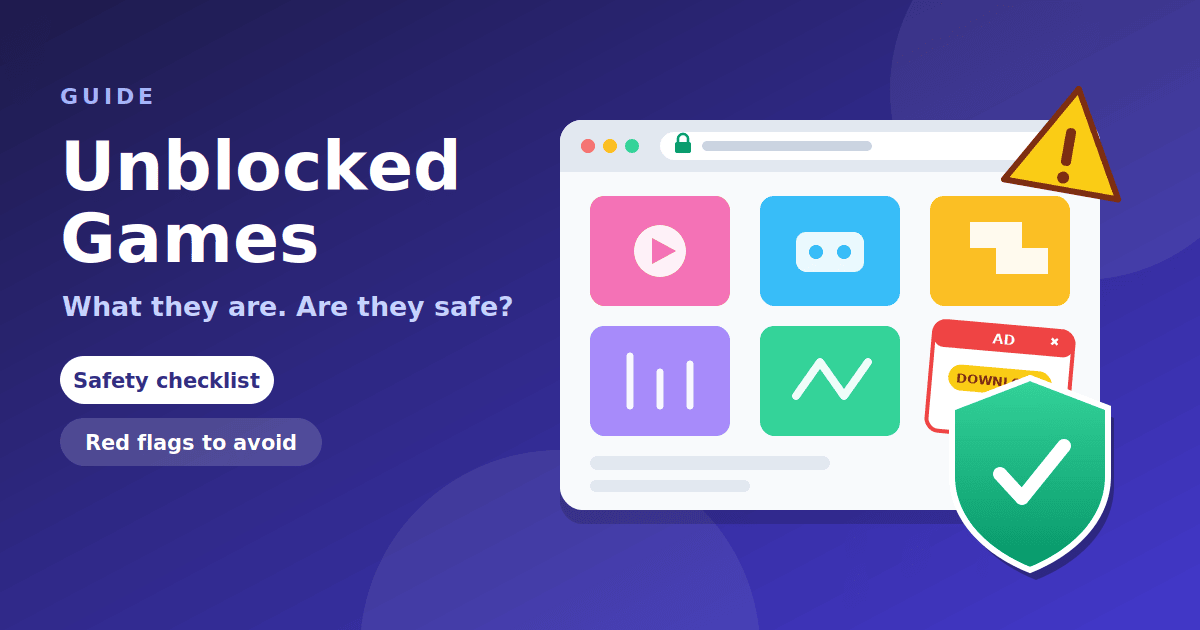
For the longer version, see our guide to whether unblocked games are safe.
Typos and odd searches
Search data for this topic is full of variations: "g+", "g+ game", "game g+", "g+-", extra punctuation, and even URLs typed as "https://g+". These are all attempts to find the same kind of site. A web address cannot contain a plus sign in that position, so pasting "https://g+" into a search box does not take you to a real page. If you want a specific site, search for its full name or type its full address.
A warning about "Sign in with Google" prompts
Many G+ style sites try to look official by borrowing Google branding. One of the riskiest versions is a page that asks you to sign in with a Google or school account before you can play. A simple browser game never needs your account. Credentials typed into a look-alike page can be used to take over your email, files and any other service tied to the same login.
- Real Google sign-in pages are on Google's own domain. If the address bar shows anything else, do not type your password.
- Do not enter school credentials on any site your school did not tell you to use.
- If you already entered a password on a page you do not trust, change it right away and turn on two-factor authentication.
The FTC's phishing guidance explains how these look-alike pages work and what to do if you fall for one.
Why the name keeps confusing people
There are three reasons "G+" is such a muddled search term. First, it is short, so it is easy to type and easy to misspell. Second, it was once a famous brand, so the name carries a trace of authority. Third, no one owns the label for game sites, so anyone can use it. The result is that search results mix old news about the network, unrelated game hubs and low-quality pages that borrow the name.
When you read about G+, check the date. Anything about the social network from before 2019 describes a product that no longer exists, and the 9to5Google report on the shutdown shows how quickly the closure moved after privacy bugs were found.
"G+ juegos" and other languages
"Juegos" is Spanish for games, so "G+ juegos" is a search for G+ games in Spanish. The same advice applies in any language. Judge the site, not the label.
Frequently asked questions
What is G+? On game sites, it is shorthand for a hub of browser games. Historically, G+ also referred to Google+, the social network that closed in 2019.
What does "G+ games" mean? It usually means a list of free browser games on a hub site.
Is G+ owned by Google? There is no evidence that game hubs using the label are owned by Google.
Is Google+ still available? No. The consumer version shut down on April 2, 2019.
Are G+ games safe? Some sites are fine and some are not. Use the checklist above.
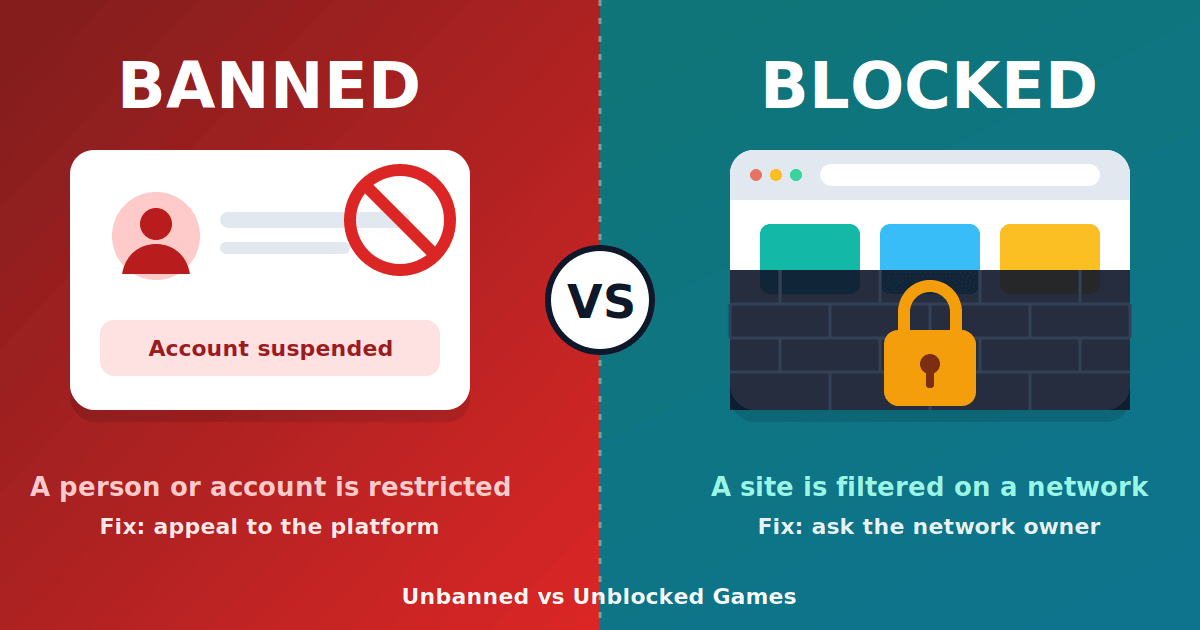
What is the difference between G+ and unbanned G+? The second adds a word players use for "not blocked". We explain it in Unbanned vs Unblocked Games.
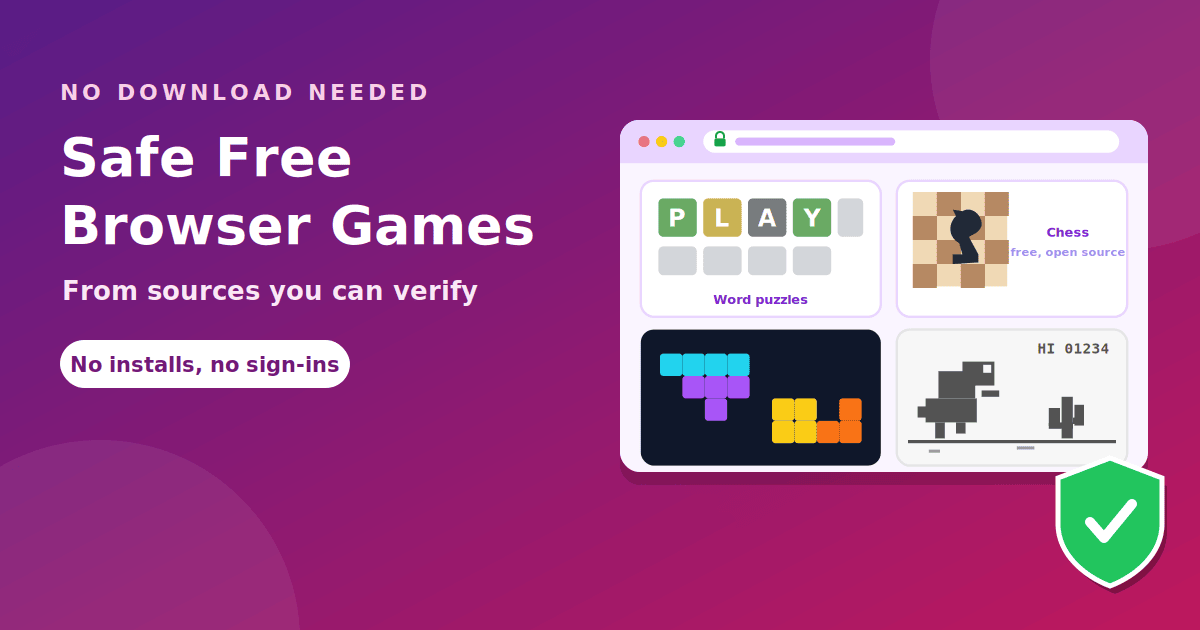
Where can I find safe browser games? See our list of safe free browser games.
The takeaway
G+ in gaming is shorthand for a type of game hub, not a Google product, and it is unrelated to the Google+ network that closed in 2019. Because anyone can use the label, judge each site on its own: check the address, use Safe Browsing, avoid downloads and sign-ins, and leave at the first red flag.