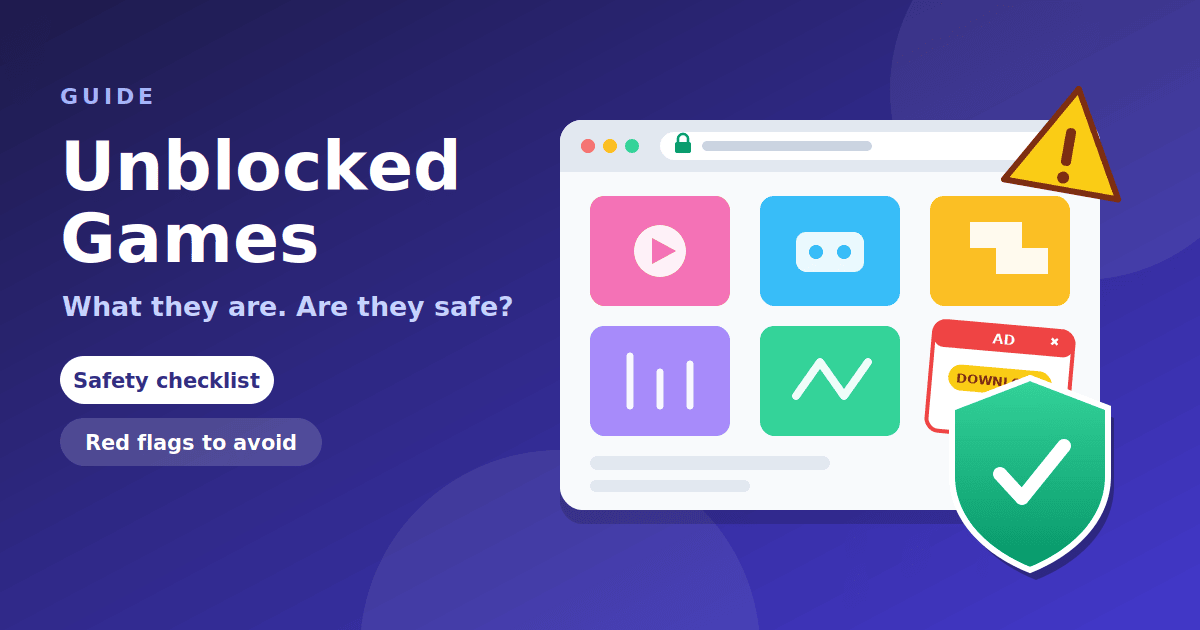
Unblocked games are browser games that are available on a network where games would normally be restricted, usually a school or workplace. They are not a type of game. The phrase describes where a game site happens to load, and a site that is open today may be blocked next week. Whether one is safe depends on the site itself, not the word "unblocked", and many of them are not. This guide explains what the term means, how these sites work, and how to check one before you click.
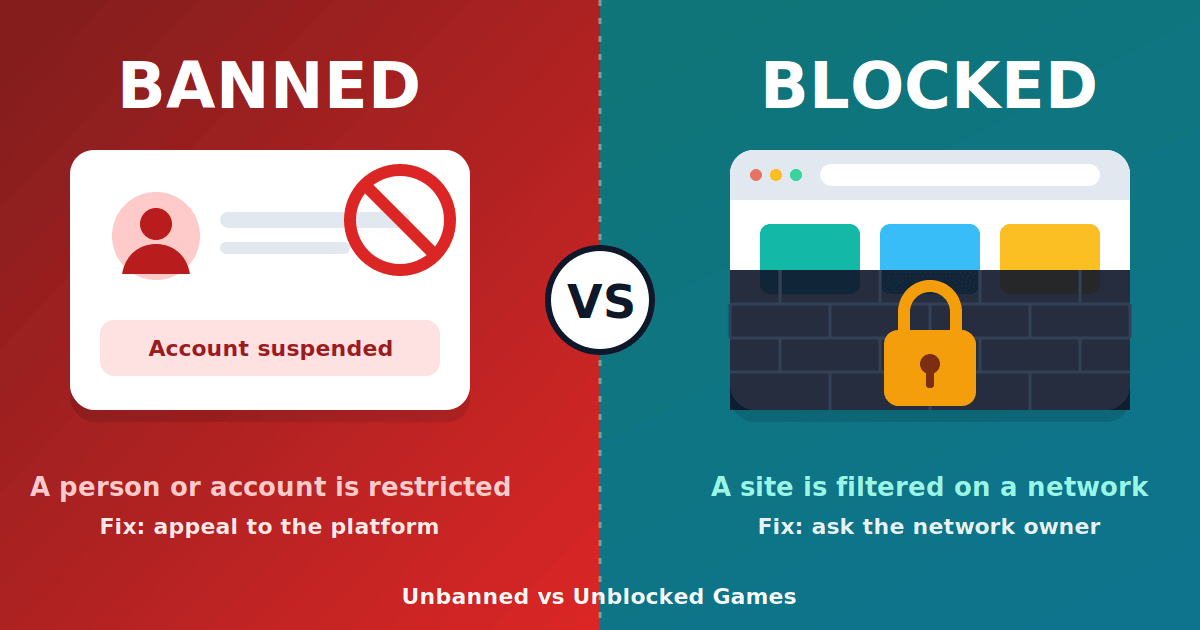
It is also the starting point for a small series: our explainers on "unbanned" vs "unblocked", on Unblocked Games G+ and on why games get blocked at school go into the details.
What unblocked games are
An unblocked game is a game you play inside a web page, with no install, that a network filter has not stopped. Most are small and simple: puzzle games, endless runners, card games, and simple sports or racing games. They are usually collected on "hub" sites that list dozens or hundreds of titles, with a search box and categories.
The word "unblocked" is a label that site owners and players add to attract searches. It tells you nothing about who runs the site, how it makes money, or whether it is secure. Two sites with the same label can be completely unrelated.
Why they exist
The demand comes from a simple gap. Schools and workplaces filter many sites, and games are among the categories commonly restricted. Students and employees want a quick break, so people build and share lists of game sites that happen to load. Because filters update, the lists go out of date quickly, and new sites appear to replace the ones that were blocked.
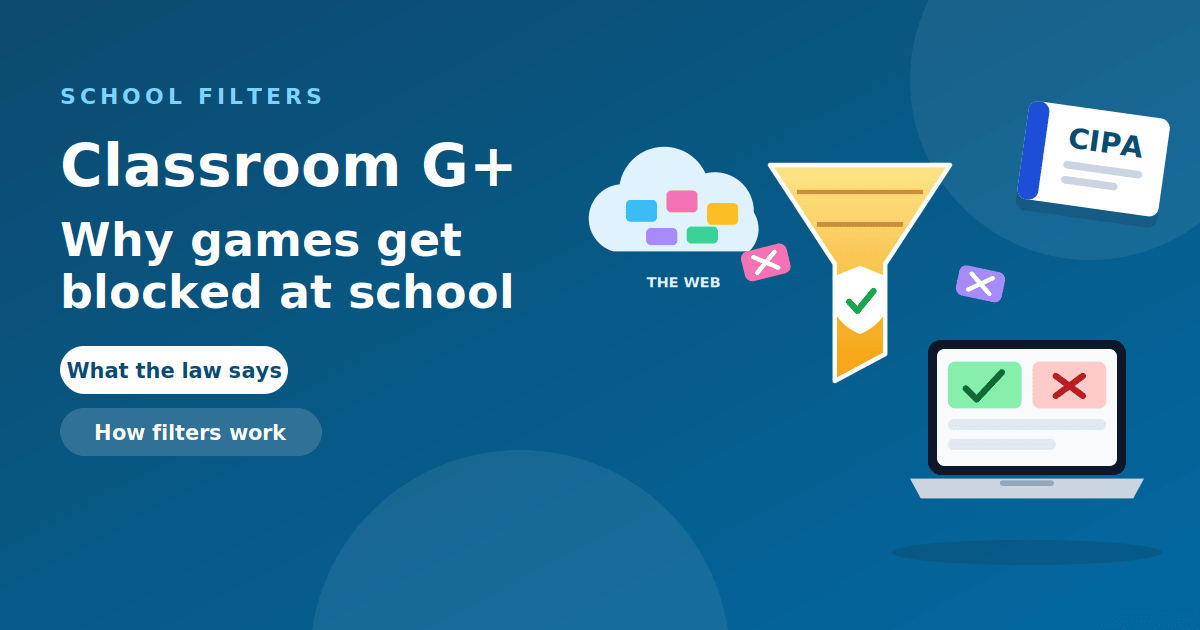
In US schools, filtering is not optional. The Children's Internet Protection Act requires schools and libraries that receive E-Rate funding to adopt an internet safety policy with technology protection measures such as filtering, as the FCC explains (see also Wikipedia's overview of the law). Games are not named in the law, but schools use the filtering to manage what their students can reach, and many list games in their acceptable use rules. Our guide to why games get blocked at school covers this in more detail.
How these sites work
Almost all modern browser games are built with web technologies (HTML5 and JavaScript) and run inside the page. Older games used Adobe Flash, which no longer works in current browsers, so many old lists contain titles that do not load at all.
Hub sites make money from advertising. That is normal, and it is also where most of the risk comes from. The ads on a free game site are often supplied by third-party networks that the site owner does not carefully control, so low-quality sites can show misleading buttons, redirect you to other pages, or ask for permission to send notifications.
Are unblocked games safe?
The honest answer is that some are fine and some are not, and you cannot tell from the name. The games themselves are rarely the problem. The surrounding page is. Common problems include:
- Fake download buttons. Large "Download" or "Play" buttons next to the game window are usually ads, and some lead to unwanted software.
- Fake security alerts. Pop-ups claiming your device is infected are a standard scam tactic. The Federal Trade Commission warns that scammers create fake security warnings that tell you to call a number, and that you should never call a number shown in a pop-up.
- Misleading verification screens. The FTC has also reported fake CAPTCHA prompts that tell you to press keys and paste commands. Real CAPTCHAs do not ask you to run commands on your device.
- Notification spam. Some sites ask for permission to send notifications, then flood you with ads long after you leave.
- Data collection. Sites that require sign-in, an extension, or personal details to play a simple game are collecting more than they need.
On a school or work device you also have to consider the policy risk, which is separate from the technical one. We come back to that below.
A 10-step safety checklist
- Read your rules first. If games are not allowed on the network, do not play there. Use your own device at home.
- Check the address. Look at the full domain in the address bar, not the page title, and compare it to what you meant to open.
- Look for HTTPS. The padlock does not prove a site is trustworthy, but a site without it should not be used.
- Run it through Safe Browsing. Paste the domain into Google's Safe Browsing site status tool to see whether it has been flagged for malware or phishing.
- Never download anything. A browser game does not need an installer, extension or "player update".
- Do not sign in with a school, Google or email account. No simple game needs your real credentials.
- Deny notification requests. Click Block, not Allow, when a game site asks.
- Ignore buttons outside the game window. Real controls are inside the game.
- Look for basic information. A real site has a privacy policy, a contact page and some sign of who runs it.
- Close the tab at the first red flag. Constant redirects, forced pop-ups and scary warnings are reasons to leave, not to investigate.
The same thinking applies to any tool you meet online. Our guide to evaluating a software tool before you pay walks through ownership, privacy and support checks.
If you already clicked something
Do not panic, and do not follow instructions from the page. The FTC's steps for suspected malware are a good guide:
- Close the tab or the browser. If it will not close, force-quit it.
- Do not call any phone number or install any "cleaner" the page offered.
- Run a security scan with software you already trust.
- Change your passwords, and turn on two-factor authentication, especially if you entered anything on the page.
- Remove any browser extensions you did not install, and review which sites can send you notifications.
- If it was a scam, report it at ReportFraud.ftc.gov. If it was on a school or work device, tell your IT team so they can check the device.
The FTC also explains how to spot, avoid and report tech support scams, and you can report scams at ReportFraud.ftc.gov. The full list is on the FTC's malware page.
Rules and consequences
A filter blocking a site is a signal from the people responsible for the network, not a mistake to work around. Acceptable use policies differ, but breaking them can lead to a lost device privilege, a conversation with a teacher or manager, or worse. Games sites also come and go, so a "workaround" you find today can stop working and leave you with a risky site instead.
If you believe an educational site is blocked by mistake, ask your teacher or IT team to review it. That route is allowed and it works.
Better options
- Play at home or on a break where allowed. This is the easiest option.
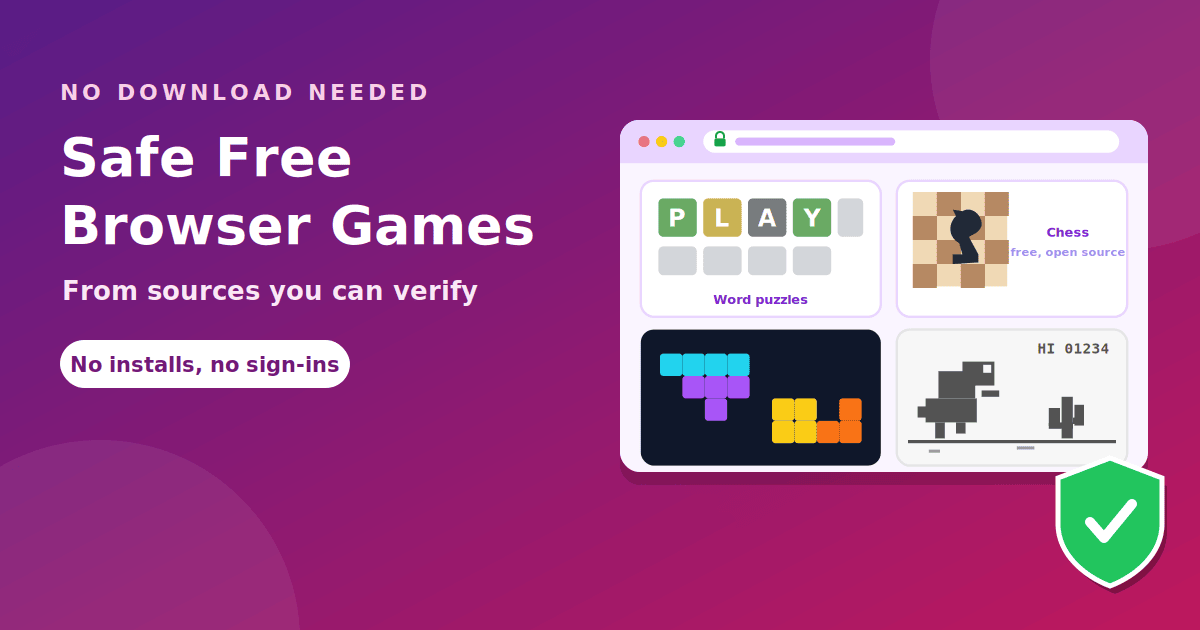
- Use well-known sources. Our list of safe free browser games covers games from companies and organizations you can verify.
- Use a built-in game. Chrome includes a dinosaur game that needs no site at all.
Frequently asked questions
What does "unblocked" mean? It means a site loads on a network where many sites are filtered. It does not mean the site is approved, safe or allowed.
Are unblocked games illegal? Playing a free browser game is not a crime. Breaking a school or workplace rule can still have consequences, so check your policy.
Are unblocked games safe on a Chromebook? The Chromebook itself is not the issue. The risks come from the site, so the checklist above applies on any device.
Why do unblocked game sites get blocked? Filters add sites to blocked categories as they are discovered, and schools may also block entire categories such as games.
Is "Unblocked Games G+" the same thing? It is one of many labels for a game hub. See our guide to Unblocked Games G+ for what it usually refers to.
How can I tell if a game site is safe? Use the checklist: confirm the address, check it with Safe Browsing, and leave at the first sign of fake alerts, downloads or sign-in requests.
The takeaway
Unblocked games are browser games that a particular filter has not stopped, and the label says nothing about safety. Check the address, use Safe Browsing, never download or sign in, and leave at the first red flag. Follow your school or workplace rules, and choose well-known free games when you can.