Getting paid on time starts with a correctly written invoice. If a client's accounts payable team has to chase you for a missing detail, your payment moves to the back of the queue. This guide covers how to write an invoice step by step, the fields it must include, and a simple template layout you can copy.
What an invoice actually is
An invoice is a commercial document you issue to a buyer that itemizes a sale and requests payment. It is different from a quote (an estimate before work starts) and a receipt (proof a payment was already made). Once you send an invoice, it becomes a legal record of what was owed and when.
The fields every invoice needs
- The word "Invoice." Make it obvious at the top, so it is never mistaken for a quote.
- Invoice number. A unique reference for your records and the client's. See numbering below.
- Invoice date. The date you issue it. This is what payment terms count from.
- Due date. The exact date payment is due, not just "Net 30." A specific date is harder to miss.
- Your business details. Name, address, email, phone, and tax or business ID if applicable.
- Client's details. The correct legal or billing name and address, matching their records.
- Line items. A description, quantity, rate, and line total for each product or service.
- Subtotal, tax, and total due. Show the math clearly, even if there is no tax to charge.
- Payment terms. When payment is due and any late fee policy, agreed before the work started.
- Payment methods. Bank details, a payment link, or however you accept payment.
- Notes or a thank-you line. Optional, but a small human touch rarely hurts.
Step-by-step: how to write an invoice
1. Choose your format. A word processor template, spreadsheet, invoicing software, or a PDF generator all work. Consistency matters more than the tool.
2. Assign an invoice number. Use a sequential system such as INV-2026-014 or 0014. Never reuse a number, and never skip one on purpose, since some tax authorities expect a continuous sequence.
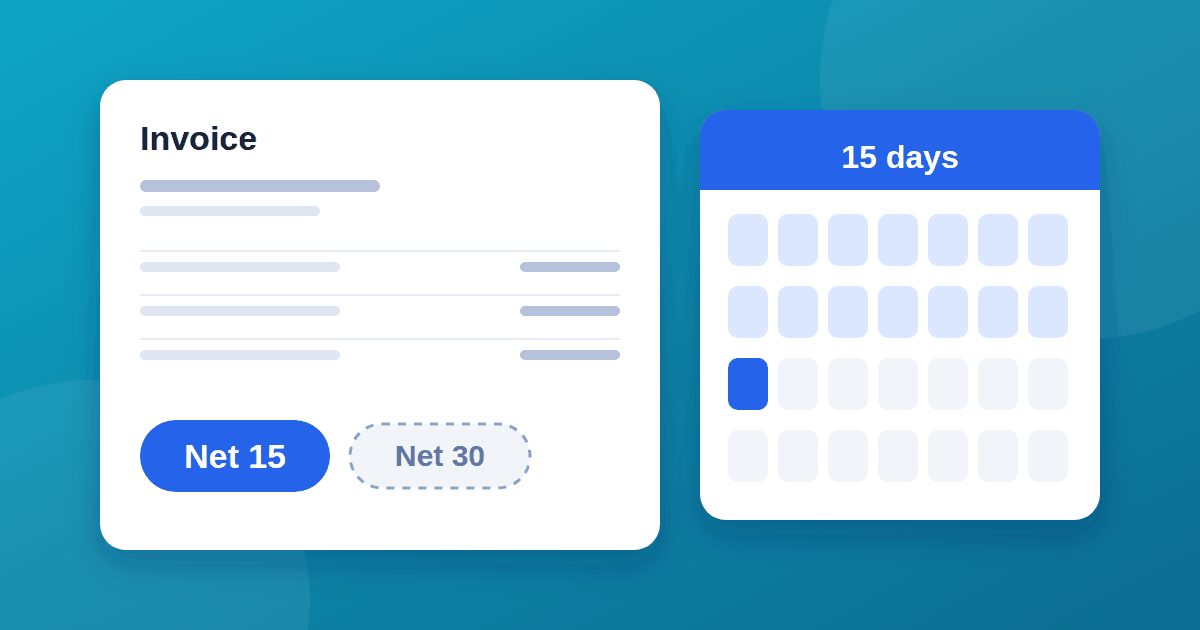
3. Fill in the date and due date. If your terms are Net 15, the due date is 15 calendar days after the invoice date, not the date you sent it late. Our guide to Net 15 vs Net 30 payment terms covers how to choose terms that protect your cash flow.
4. Add both parties' details. Double-check the client's legal name and billing address. A wrong address is a common reason invoices sit unpaid in the wrong inbox.
5. List each line item clearly. Write a description a bystander could understand, not just "services rendered." Include quantity or hours, the rate, and the line total.
6. Calculate the subtotal, tax, and total. Apply tax only where it is legally required for your location and the client's. If you are unsure of your obligations, a local accountant or tax authority is the right source, not a guess.
7. State your payment terms and accepted methods. Repeat the due date here, and list exactly how you accept payment: bank transfer, card, or a payment link.
8. Proofread before sending. Check the math, the client's name, and the due date. A single wrong digit in a total is a common cause of payment delays.
9. Send it and log it. Email is standard; keep a copy for your own records regardless of what software you use.
A simple invoice layout
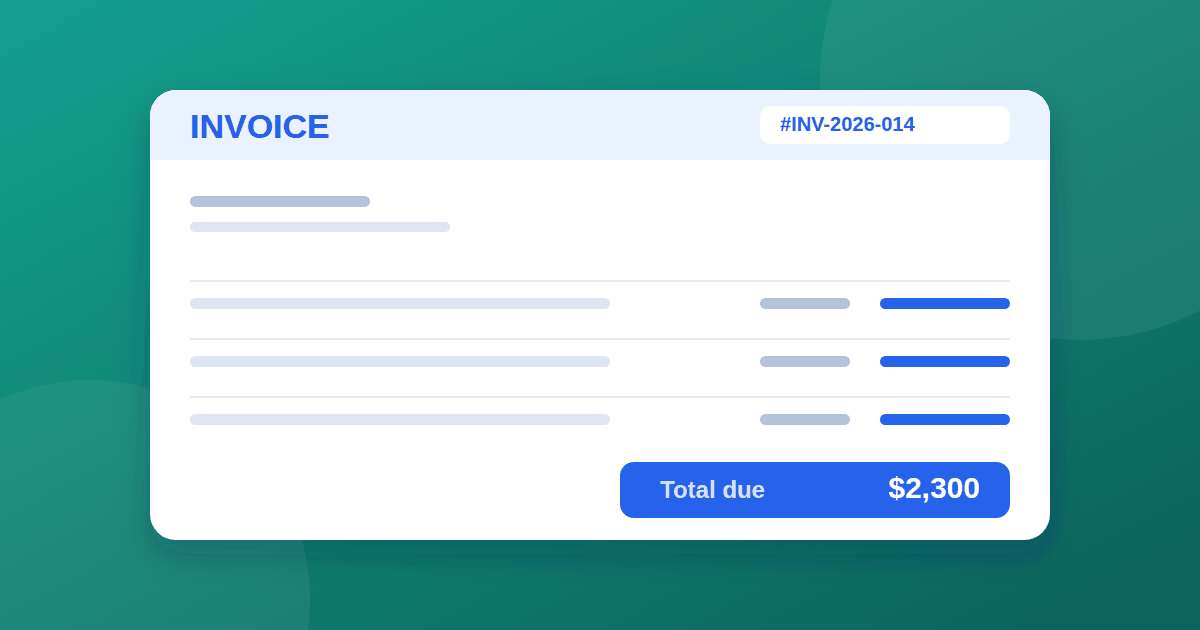
INVOICE                                    Invoice #: INV-2026-014
                                            Date: September 26, 2026
                                            Due: October 11, 2026

From:                                      Bill to:
Your Business Name                         Client Company Name
your@email.com                             billing@client.com
123 Your Street, City                      456 Client Ave, City

Description                    Qty     Rate        Amount
------------------------------------------------------------
Website redesign                 1     $2,000.00   $2,000.00
SEO consultation (hours)         4     $75.00        $300.00
------------------------------------------------------------
                                        Subtotal:   $2,300.00
                                        Tax (0%):       $0.00
                                        Total Due:  $2,300.00

Payment terms: Net 15. Please pay by the due date above.
Payment method: Bank transfer — [account details]

Thank you for your business.
Adjust it to your own branding and add a logo if you use one.
Invoice numbering systems
- Simple sequential:
0001,0002,0003. Easiest for a low volume of invoices. - Year-based:
2026-001,2026-002. Resets each year, useful for annual reporting. - Client-based:
ACME-001,ACME-002. Helpful if you invoice many different clients regularly.
Whichever system you pick, stay consistent. Switching formats mid-year makes your own records harder to search later.
Contractor and freelancer invoices
If you invoice as a contractor rather than a registered company, still include your full name, contact details, and any tax identification your jurisdiction requires. A contractor invoice template does not need to look different from a business one structurally; it just uses your individual details in the "From" section instead of a company name.
Common invoicing mistakes
- Missing or vague line item descriptions
- No exact due date, only a payment term like "Net 30"
- Wrong client name or address
- Inconsistent invoice numbers or skipped numbers
- Sending the invoice weeks after the work was finished
- Not stating the payment method clearly
Invoice vs. purchase order
A purchase order is issued by the buyer before work begins, authorizing the purchase. An invoice is issued by the seller after the work is done, requesting payment. Some larger clients require you to reference their purchase order number on your invoice; if a client mentions a PO number, always include it.
Software vs. templates
A simple template is enough for occasional invoicing. If you send many invoices, invoicing software can send reminders and take payments automatically, but the pricing models vary widely. If you are choosing a tool, compare how each one charges using our guide to per-seat vs usage-based SaaS pricing, and run it through our 10-check guide to evaluating SaaS tools before committing.
Frequently asked questions
Do I need to charge tax on my invoice? This depends on your location, your client's location, and your business status. Check your local tax authority's guidance or ask an accountant rather than guessing.
What if a client disputes an invoice? Respond promptly, reference the original agreement or quote, and correct any genuine error immediately. A clear paper trail is your best protection.
Should I send invoices as PDF or Word files? PDF is standard, since it cannot be accidentally edited and displays consistently across devices.
How long should I keep old invoices? Requirements vary by country, but many small businesses keep records for at least several years. Check your local rules for the exact requirement.
The takeaway
A correct invoice has a number, a clear date and due date, accurate line items, a visible total, and stated payment terms and methods. Use a consistent numbering system, proofread before you send, and pair short payment terms with a well-written invoice to get paid faster. For the terms themselves, see our guide to Net 15 vs Net 30 payment terms.