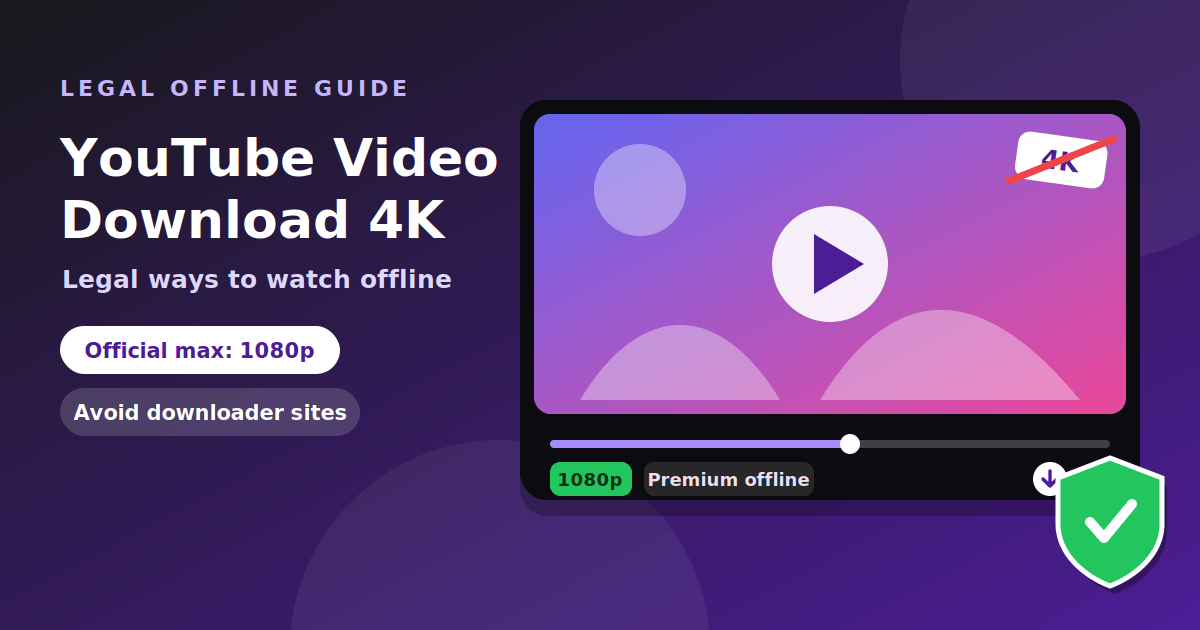
You cannot download YouTube videos in 4K through any official feature. The official offline option, available with YouTube Premium, has been limited to 1080p for years, and YouTube's terms do not allow downloading in other ways without permission. If you want to watch in 4K, you can stream it. If you want to keep a video, use the legal options below. This guide explains what is allowed, what is not, and why the "4K downloader" sites that rank for this search are a bad idea. We do not link to any downloader tool.
The short answer
| Question | Answer |
|---|---|
| Can I download YouTube videos in 4K officially? | No. Official offline downloads are capped at 1080p, as far as we could verify |
| Is there an official way to download? | Yes. YouTube Premium offers offline downloads inside the app |
| Can creators download their own videos? | Yes, from YouTube Studio |
| Are third-party downloaders allowed? | Not under YouTube's terms without permission |
| Can I watch in 4K? | Yes, by streaming, if the video was uploaded in 4K and your connection allows |
What YouTube's terms say
YouTube's Terms of Service restrict how people can access content on the platform. Summaries from several guides agree on the practical effect: you may not download content unless YouTube itself provides a download link or button, such as the one in YouTube Premium. Documents.io adds that this applies to third-party tools, and that the restriction is aimed mainly at redistribution, but the terms do not carve out personal use. Whether downloading breaks the law depends on the country and the content, which is separate from the terms. Breaking the terms can still lead to account action.
This is general information, not legal advice. If you need to download a video for a specific legal reason, ask the creator for permission.
Official ways to watch offline
- YouTube Premium. The Premium plan lets you download eligible videos in the YouTube app and watch them offline. Downloads stay inside the app and are not saved as ordinary files. Documents.io reports that downloaded videos must reconnect to the internet periodically, with an offline limit of 29 days.
- Not every video is eligible. Creators and rights holders can limit downloads, so some videos show no download button even with Premium.
- Watch Later and playlists. These do not save a file, but they help you find a video quickly when you are online.
Premium is available only in some countries, and prices differ by region, so check the plan page for your own location.
How good is the quality?
Official downloads have been limited to a maximum of 1080p. TechRadar reported when the 1080p option arrived, noting that there was no option to download videos in 4K resolution. That is the most recent clear statement we could find, so check the download quality menu in your own app to see what it offers today. The quality you can download is also capped by what the creator uploaded. A video uploaded in 1080p cannot be downloaded in 4K.
Watching in 4K without downloading
If your goal is the best picture, streaming is the simplest route:
- Open the video and click the settings icon in the player.
- Choose Quality, then pick the highest option available, such as 2160p for 4K.
- Use a fast, stable connection, because 4K needs far more data than lower resolutions.
- Check that your screen supports 4K. On a smaller screen the difference may be hard to see.
If you stream on mobile data, watch your data allowance, and use Wi-Fi where you can.
If the video is yours
If you uploaded the video, you do not need a third-party tool. You can download your own uploads from YouTube Studio, and you can export a copy of your YouTube data with Google Takeout. This is the right route for creators who lost their original files, since it gives you the file YouTube holds for your upload.
Creative Commons videos
Some creators publish videos under a Creative Commons license, which allows reuse under set conditions. For example, the CC BY 4.0 license lets others share and adapt the work as long as they give credit. Two cautions apply. First, a license describes what you may do with the content, but YouTube's own terms still limit how you obtain it, so the safest route is to ask the creator or use a source that provides the file. Second, you must read the exact license, because some creators use more restrictive versions.
Why downloader sites are risky
Searching "youtube video download 4k" or the misspelled "youtube vedio download" returns pages full of tools that promise a quick download. Treat them carefully:
- Fake buttons and ads. Many show several "Download" buttons, and only one may do what it says.
- Software installs and extensions. Tools that ask you to install a program or browser extension are a common route for unwanted software. The FTC explains how malware spreads and how to remove it.
- Fake security alerts. Some sites show warnings that tell you to call a number or install a cleaner, which is a scam pattern.
- Quality claims. A promise of 4K does not help if the video was uploaded in a lower resolution.
- Account and policy risk. Using tools that breach the terms can put your own account at risk.
If you do land on one of these sites, use the checks in our safety checklist for unfamiliar websites, and check the domain with Google's Safe Browsing site status tool. Our guide to scams that follow app shutdowns shows how fake alerts are used on phones.
What to do instead
- Use Premium offline downloads if you watch a lot on the go and can use the plan.
- Stream in 4K at home on a strong connection.
- Ask the creator if you need a copy for a legitimate purpose, such as teaching. Use our guide to evaluating a software tool before you install any video app.
- Choose sources you can verify when you want free games and video content, as in our list of safe free browser games.
Frequently asked questions
Can you download YouTube videos in 4K? Not through any official feature. Premium downloads have been limited to 1080p.
Is it legal to download YouTube videos? It depends on your country and the content. It is against YouTube's terms unless YouTube provides a download link.
How do I watch YouTube offline legally? Use YouTube Premium's download feature in the app.
Can I download my own videos? Yes, from YouTube Studio, or with Google Takeout.
Are 4K video downloader sites safe? They carry real risks, including fake buttons, software installs and scam alerts.
How can I watch in 4K? Stream the video and pick the 2160p option in the player settings, if it was uploaded in 4K.
What does "youtube vedio download" mean? It is a common misspelling of "YouTube video download", and the advice is the same.
The takeaway
There is no official way to download YouTube videos in 4K. Premium offers offline downloads up to 1080p, creators can export their own videos, and anything else needs permission. For the best picture, stream in 4K. Avoid third-party downloader sites, which often carry fake buttons, installs and scam alerts.