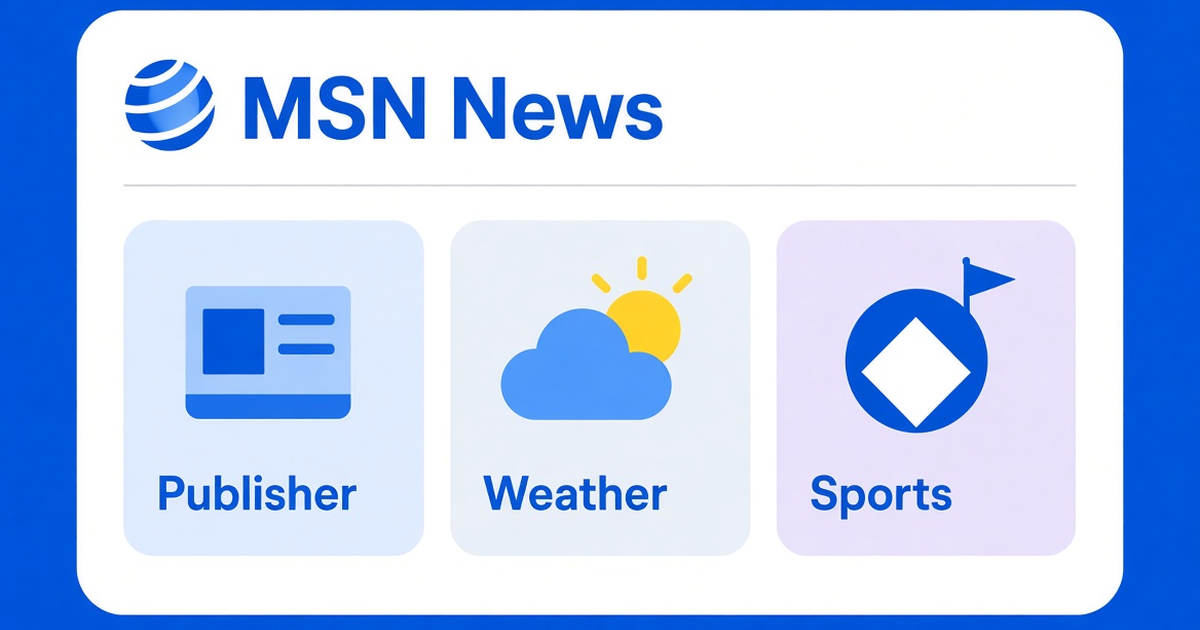
MSN News is the news section of Microsoft's consumer portal. It is a feed of stories from publishers, with weather, sports, and finance cards alongside the headlines. It is not a Microsoft newsroom, and a card on the feed is not a Microsoft report.
If you wanted the portal itself, start with our MSN explainer. This page stays on the news feed: where the stories come from, how personalization works, and how to check a headline before you repeat it.
What MSN News is
Microsoft introduced Microsoft Start on September 7, 2021 as a personalized news and information feed. The Windows Experience Blog described it as news from publishers, with timely updates, available on the web, in a mobile app, on the Windows 10 taskbar, in Windows 11 Widgets, and on the Edge new-tab page. Microsoft said the product built on MSN and Microsoft News, and that MSN would remain available.
The consumer pages now mostly use the MSN name for that experience. You will still see Microsoft Start in older coverage and in some product labels. Treat them as the same feed family unless a page says otherwise. The address to open for the news section is msn.com.
Where the stories come from
The feed is a collection of publisher stories plus Microsoft's own information cards. Weather, sports scores, and market figures are cards. The articles under them come from publishing partners. Microsoft's 2021 launch described the feed as drawing on a large set of publishers. That figure was Microsoft's, and it described the ecosystem, not a promise that every story is reported by Microsoft.
A headline on MSN can therefore be a syndicated story. The publisher name on the card is the newsroom. If the claim matters, open that publisher, not only the MSN card. The same rule is why our Dubai news guide starts at the official page and the named outlet, instead of a screenshot.
Market cards work the same way. A price on a finance card is a data partner's print, and it can be delayed. For a live Bitcoin quote, use the page in our Bitcoin price guide, not the card.
How to customize the feed
- Open msn.com, or the news feed on an Edge new-tab page.
- Look for Personalize, or for the interests control on the feed.
- Add or remove topics. Follow a publisher you want more of, and mute one you do not.
- On a card, use the more-like-this or fewer-like-this control if it is shown. That is explicit feedback. Scrolling is not.
Personalization uses what you pick and what you click. A feed that looks noisy is often a feed that has not been tuned. Clearing interests and starting again is cleaner than fighting a long history of clicks.
The same feed can appear in more than one place: the website, Edge, and the Windows widgets. A change on one surface may take a moment to show on another. If it does not, check that you are in the same Microsoft account on both.
How to read a story on the feed
- Read the publisher name before the headline. The publisher is the source.
- Open the story and look for a date and a byline. An undated card is a lead, not a record.
- If the claim is a government action, a price, or a score, confirm it on the page that owns that fact.
- Do not treat a related-story strip as confirmation. Those are more cards.
Citing the publisher is the point of an outbound link. Our note on whether outbound links help SEO is the same habit: the link is there so a reader can check the sentence.
What it is not
MSN News is not Outlook, and it is not Bing. A story on the feed is not a search result, and a search result is not the feed. It is also not a local newsroom for your city. Local cards are only as good as the publisher or the data partner behind them.
It is not a place to enter payment details. Nothing in the news experience asks for a card number in exchange for a headline. A page that does is not the feed.
A worked check
Suppose a card says a company has cut jobs, or that a storm will close schools. Do not forward the card. Open the story, read the publisher name, and then open the company page or the weather agency named in the story. If neither page has the claim, the card is not confirmed. A second publisher with a named source is the next best check. A screenshot of the MSN card is not.
The same order works for a market figure on a finance card. Find the page that owns the quote, then see whether a named outlet has reported the move. If the only page is a new domain asking you to log in, stop. New domains can be legitimate, but a login wall is not how MSN publishes a headline.
When you save the source, save the publisher URL, not the social card. Social cards expire and get edited. The MSN card and the publisher story are the pages you can cite later. Our on-page checklist is for your own posts, but the date and byline it asks for are the same signals you should see on a story before you repeat it.
Language and region change the feed. An msn.com page opened in one country can show different publishers from the same page opened in another. If a story you expected is missing, check the region control before you assume the story was removed. A story that exists only in one region is still a publisher story. It is not a Microsoft exclusive.
The takeaway
MSN News is a personalized feed of publisher stories, with weather, sports, and finance cards beside the headlines. Tune it with the Personalize control, read the publisher name on every card, and open the source before you repeat a claim.