You open your site and the browser says the page redirected you too many times. In Chrome the message is ERR_TOO_MANY_REDIRECTS, Firefox says the page isn't redirecting properly, and Safari reports too many redirects. This is a redirect loop, and it is one of the most common problems caused by a bad .htaccess file. This guide shows how to find the rule that is looping and fix it.
What a redirect loop is
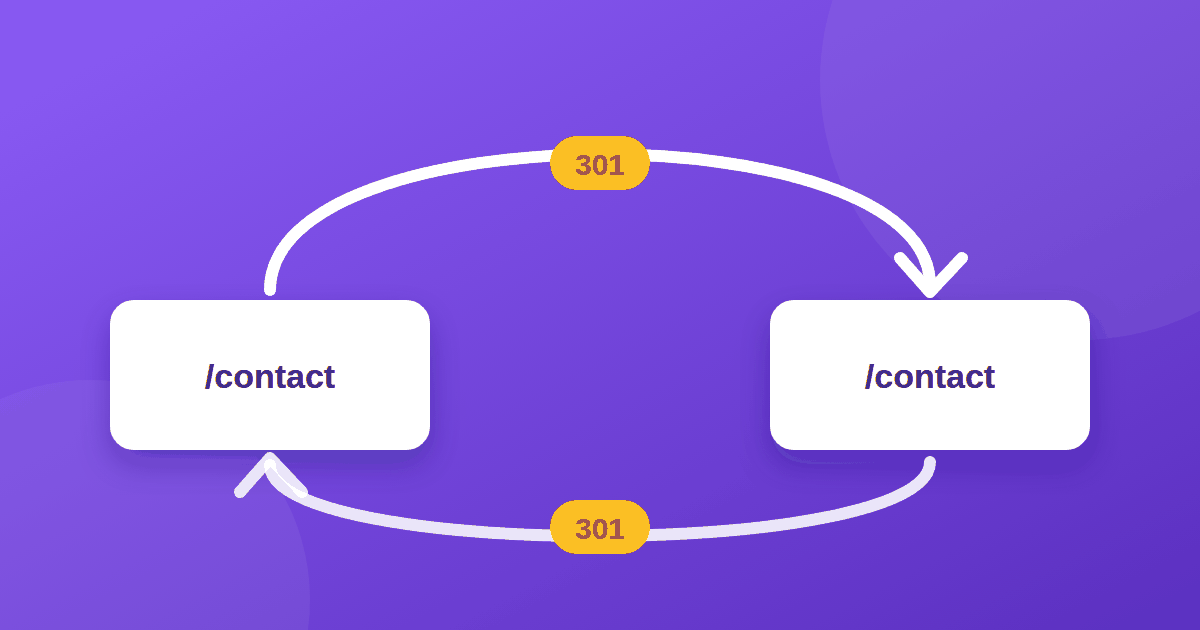
A redirect loop happens when URL A redirects to URL B and URL B sends the browser back to A, or when one URL redirects to itself. The browser follows a handful of hops and then gives up. Visitors see an error instead of your page, and search engines cannot index pages caught in the loop.
The usual causes
- A rule redirects a URL to itself. For example
Redirect 301 /contact /contact. It looks harmless but sends/contactto/contactforever. - Two rules that disagree. One forces
www, another forces non-www. Or one adds a trailing slash and another removes it. - HTTPS conflicts. Your server forces HTTPS, but a proxy or CDN talks to it over HTTP, so the server redirects again and again. A classic case is Cloudflare's SSL mode set to Flexible while the server also forces HTTPS.
- Redirect rules mixed with clean-URL rules. Rules that hide
.htmlfrom URLs can clash with older redirect lines. - A plugin or CMS also redirecting. WordPress address settings, or an SSL plugin, adding a second layer on top of the server rule.
- A cached redirect. Browsers cache 301 redirects, so you may keep seeing the loop even after fixing it.
How to diagnose it
- Back up your
.htaccessfile before changing anything. - Test in a private window so old cookies and cached redirects do not confuse the result.
- Follow the chain from the command line. This shows every hop:
curl -I -L --max-redirs 10 https://example.com/contact
Each response shows a status such as 301 and a Location: header. If the same URL appears again and again, you have found the loop.
- Use your browser's developer tools. In the Network tab, enable "Preserve log" and reload. The chain of 301 responses is listed there.
How to fix it
Fix 1: Remove self-redirects
Any redirect whose target equals its source must go. Delete lines like this:
Redirect 301 /contact /contact
Only redirect old URLs that no longer exist as pages. Never redirect a live page. Note that the Redirect directive from mod_alias matches a URL path prefix, so check that a short rule does not catch URLs you still use.
Fix 2: Keep one canonical direction
Choose one version of your site, such as https://example.com without www, and redirect everything else to it once. Do not add a second rule in the opposite direction.
Fix 3: Use a clear rule order
A common pattern for HTTPS and clean URLs looks like this:
RewriteEngine On

# 1. Force HTTPS
RewriteCond %{HTTPS} off
RewriteRule ^(.*)$ https://%{HTTP_HOST}%{REQUEST_URI} [R=301,L]

# 2. Redirect /page.html to /page
RewriteCond %{THE_REQUEST} \s/+(.+?)\.html(?:[\s?]|$) [NC]
RewriteRule ^(.+)\.html$ /$1 [R=301,L,NE]

# 3. Serve /page from page.html without showing .html
RewriteCond %{REQUEST_FILENAME} !-d
RewriteCond %{REQUEST_FILENAME}.html -f
RewriteRule ^(.+?)/?$ $1.html [L]
See the mod_rewrite documentation for how each flag works. Adjust it to your own site and test carefully.
Fix 4: Check Cloudflare and other proxies
If you use Cloudflare, set the SSL/TLS mode to Full (strict) when your server has a valid certificate. Flexible mode combined with a server-side HTTPS redirect is a common cause of loops.
Fix 5: Check your CMS settings
On WordPress, make sure the WordPress Address and Site Address use the same protocol and hostname. Disable extra redirect or "force SSL" plugins while you test.
After the fix
- Clear your browser cache or use a private window, since 301 responses are cached.
- Purge any CDN or server cache.
- Recheck with curl. The chain should end at a
200response. - Re-run a site audit. Tools that crawl your site will flag any redirect that remains.
How redirects affect SEO
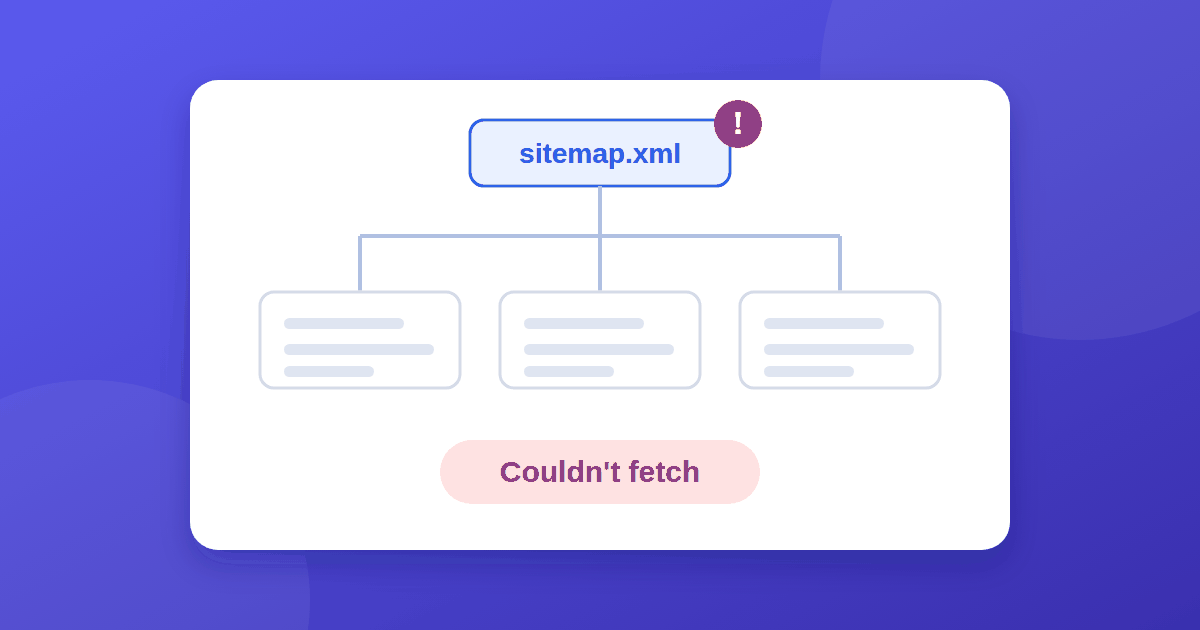
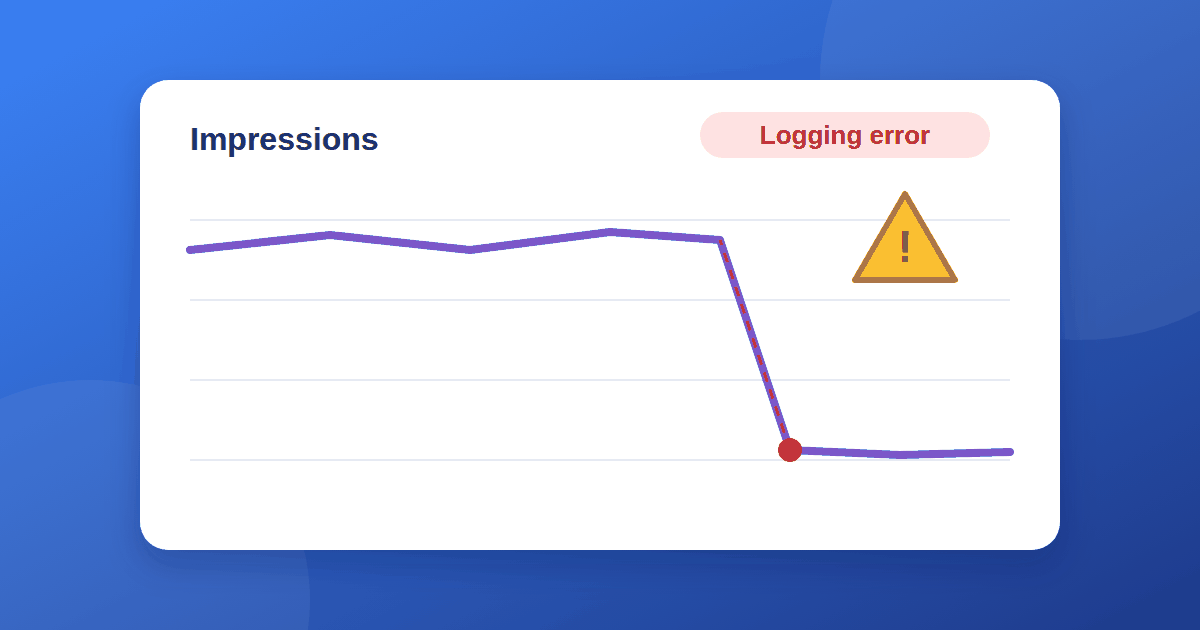
Loops block crawlers, and unnecessary redirects waste crawl effort. Also make sure your sitemap lists final URLs that return 200, since a sitemap URL that redirects can cause errors. See sitemap "Couldn't fetch" fixes and 7 reasons for no impressions. For more on how browsers handle redirects, read MDN's HTTP redirections guide.
Quick checklist
- Backed up
.htaccess - No rule redirects a URL to itself
- Only one direction for
wwwand HTTPS - Proxy or CDN SSL mode matches the server
- Tested in a private window and with
curl - Sitemap URLs return
200
Hostinger also explains the WordPress angle in its redirect error tutorial.
The takeaway
A redirect loop is two or more rules that disagree, or one rule that points at itself. Follow the chain with curl, find the repeated URL, remove the conflicting rule, and keep a single canonical direction. Then clear caches and test again. If your site is static, our guide to adding a favicon to a static HTML website is a good next technical setup step.